

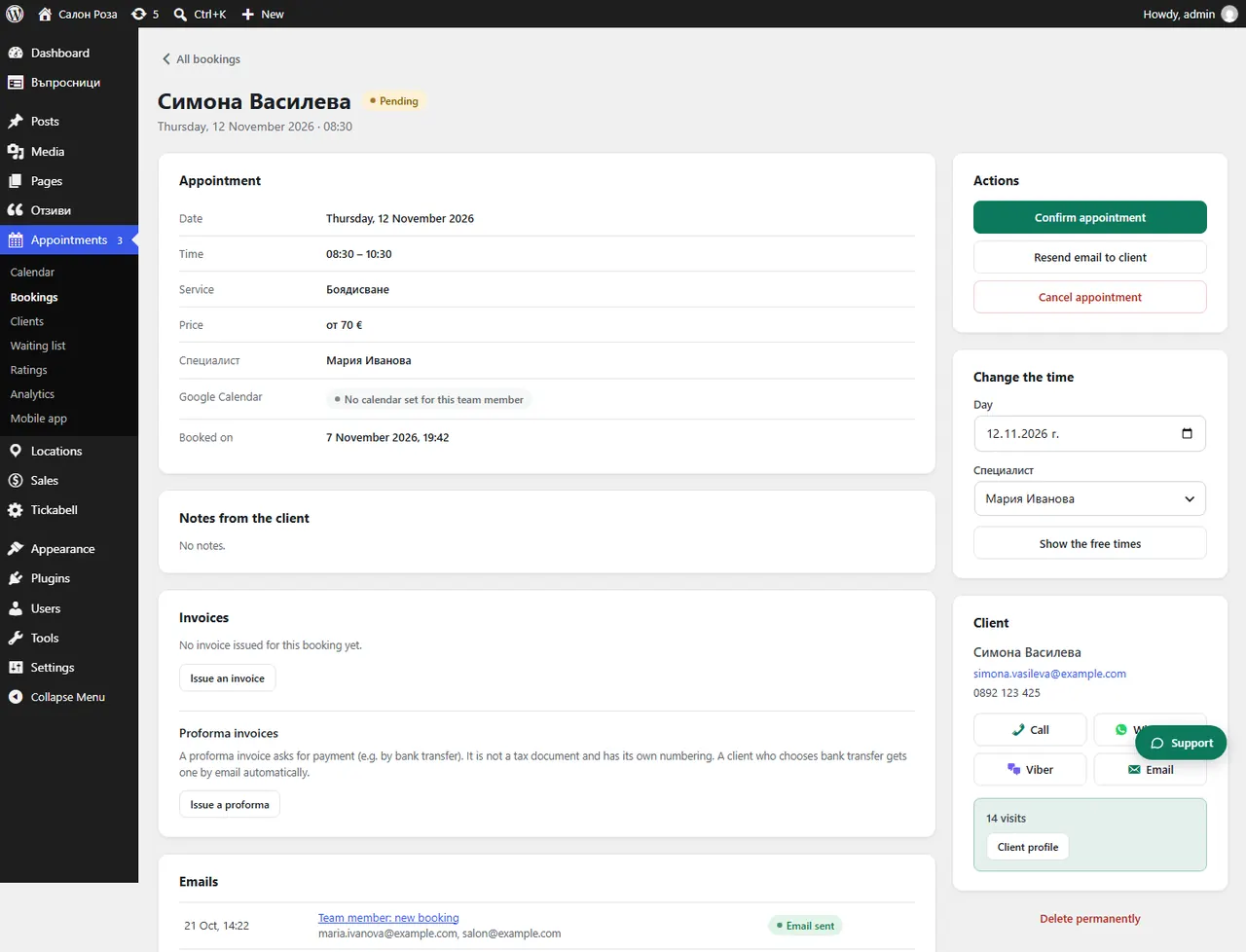
The client has paid, but the appointment is still awaiting payment
Most often Stripe cannot notify the website because the webhook is missing or wrong. With BORICA open the booking and click “Check the payment in BORICA”.
Where: Appointments›Bookings›(booking)
Steps
- With BORICA: open the booking and click “Check the payment in BORICA”.
- With Stripe: in Stripe › Developers › Webhooks check that the address is the one from Tickabell and that it has the events from the setup.
- Check that the webhook secret in Tickabell belongs to the same webhook and the same mode.
- If the client paid by bank transfer, click “Payment received”.
Good to knowIf the client closed the Stripe page before the end, the payment may still be in progress. Wait a few minutes and check again.
Related articles
- How do I connect Stripe?
- How do I check a payment in BORICA?
- How do I mark that the transfer has arrived?
Was this article helpful?