

How do I change the consent text?
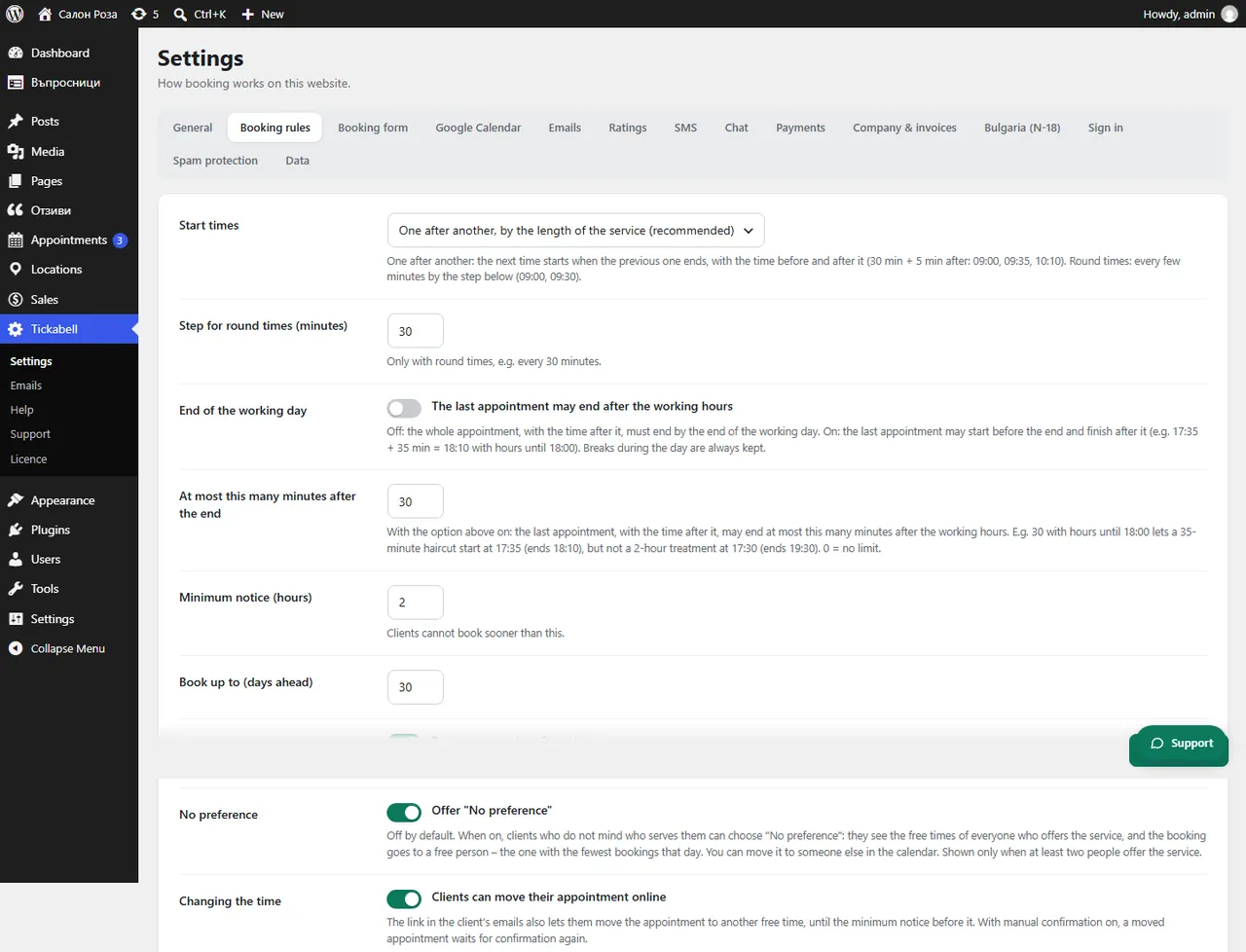
In Tickabell › Settings › Booking rules change the “Consent checkbox text”. You can add a link to the privacy policy.
Where: Tickabell›Settings›Booking rules›Consent checkbox text
Steps
- Open Tickabell › Settings › Booking rules.
- Change the “Consent checkbox text”. For a link use
<a href="…">…</a>. - Save.
Good to knowThe text must say clearly what the data are processed for. If you are unsure, ask your lawyer.
Related articles
Was this article helpful?