

How do I give a team member their own price or duration?
Open the person, under “Services & prices” open the service and fill in their own price or duration. Empty fields use the service's values.
Where: Locations›Team›(team member)›Services & prices
Steps
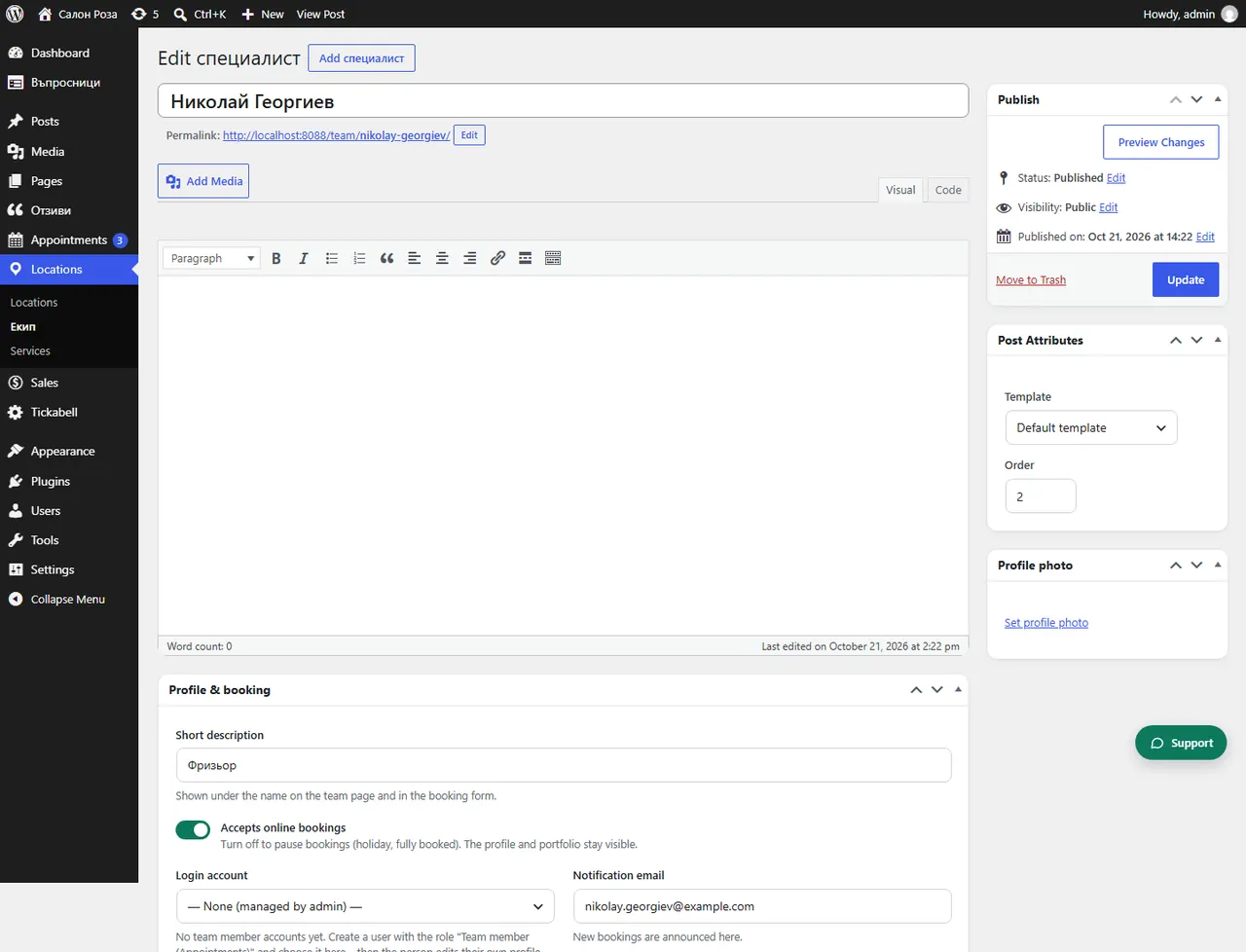
- Open Locations › Team and the person.
- Under “Services & prices” tick the service and open “Your price & time”.
- Fill in “My own price”, “Duration (minutes)” or both. Under the field you see the service's value that applies otherwise.
- If the person wants a different payment when booking, set “My own payment when booking”.
- Save.
Good to knowThis way a senior team member can charge more than a junior one for the same service. The client sees the price of the person they choose.
Related articles
Was this article helpful?