

How do I issue a credit or debit note?
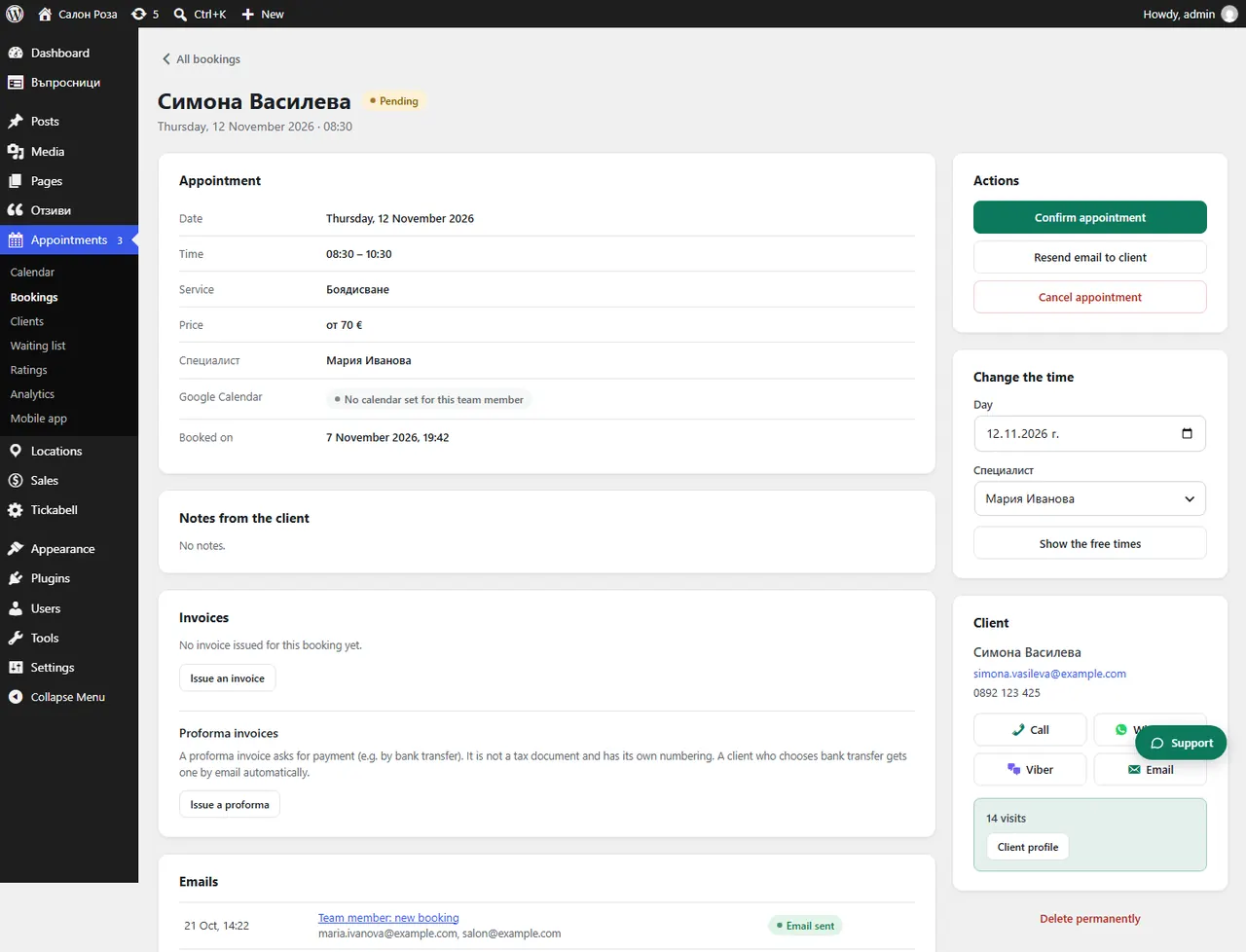
Open the booking with the invoice and in “Invoices” press the “Credit / debit note to No …” button. A credit note lowers the amount, a debit note raises it.
Where: Appointments›Bookings›(booking)›Invoices
Steps
- Open the booking in Appointments › Bookings.
- In “Invoices” press “Credit / debit note to No …”.
- In “Type” choose a credit note (a refund, a discount, a cancelled service) or a debit note.
- Fill in the “Reason” and the amount.
- Press “Issue note”.
Good to knowNotes continue the shared numbering of the invoices. Under the form you see how much is left on the invoice after earlier notes.
Related articles
Was this article helpful?