

Manual or automatic confirmation?
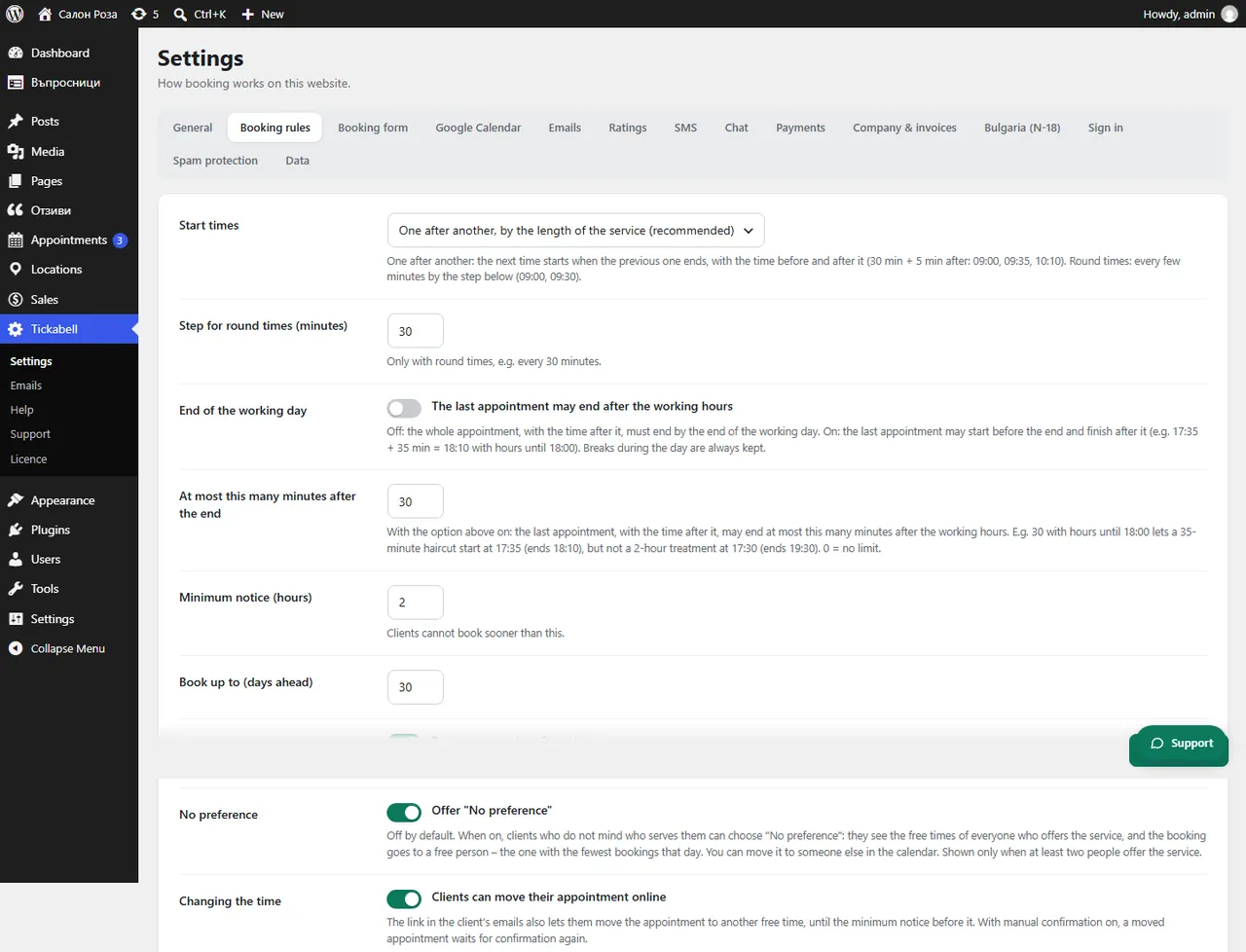
With automatic confirmation the appointment is confirmed at once. With manual confirmation new bookings wait until you confirm them. It is set under “Approval”.
Where: Tickabell›Settings›Booking rules›Approval
Steps
- Open Tickabell › Settings › Booking rules.
- Under “Approval” tick “Require manual confirmation”, or untick it for automatic confirmation.
- Save.
Good to knowWith manual confirmation the time is blocked in the calendar while it waits, and nobody else can take it. The client first gets an email that the request has been received, and then that it is confirmed.
Related articles
Was this article helpful?