

How do I switch on English in the form?
In Tickabell › Settings › General tick “Offer the form in English too”. A BG | EN switch appears at the top of the form.
Where: Tickabell›Settings›General›English in the booking form
Steps
- Open Tickabell › Settings › General.
- Under “English in the booking form” tick “Offer the form in English too”.
- Fill in “Team member label in English” and “The team in English”, for example Hairdresser and Hairdressers.
- Save.
- Write the English names and descriptions in each person, service, category and section. If they are empty, the Bulgarian text is shown.
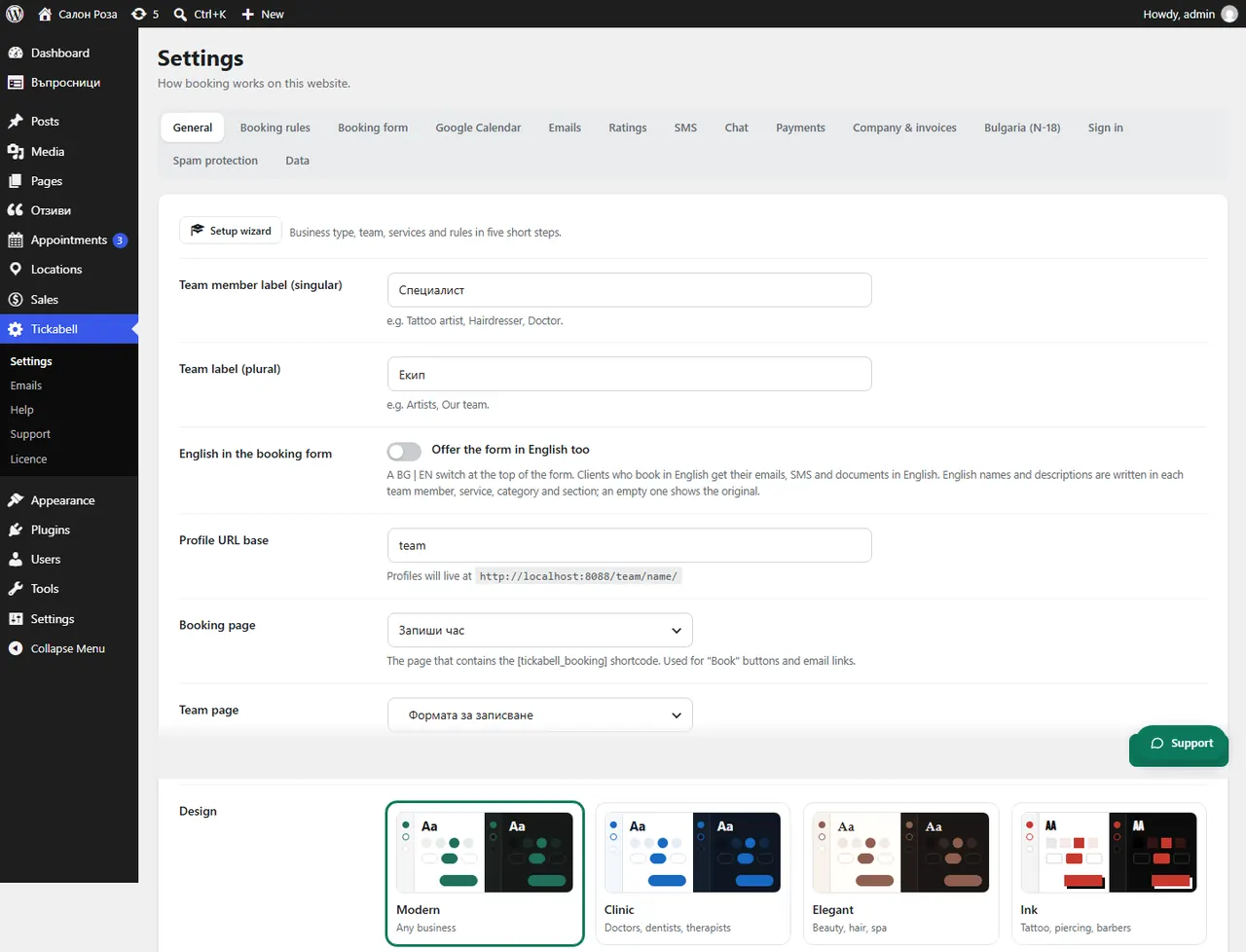
Good to knowClients who book in English get their emails, SMS and documents in English.
Related articles
Was this article helpful?