

How long does the client have to pay?
With card payment the appointment is held for as many minutes as you set in “Time to pay (minutes)”. If the client does not pay, the time is released. The minimum is 30 minutes.
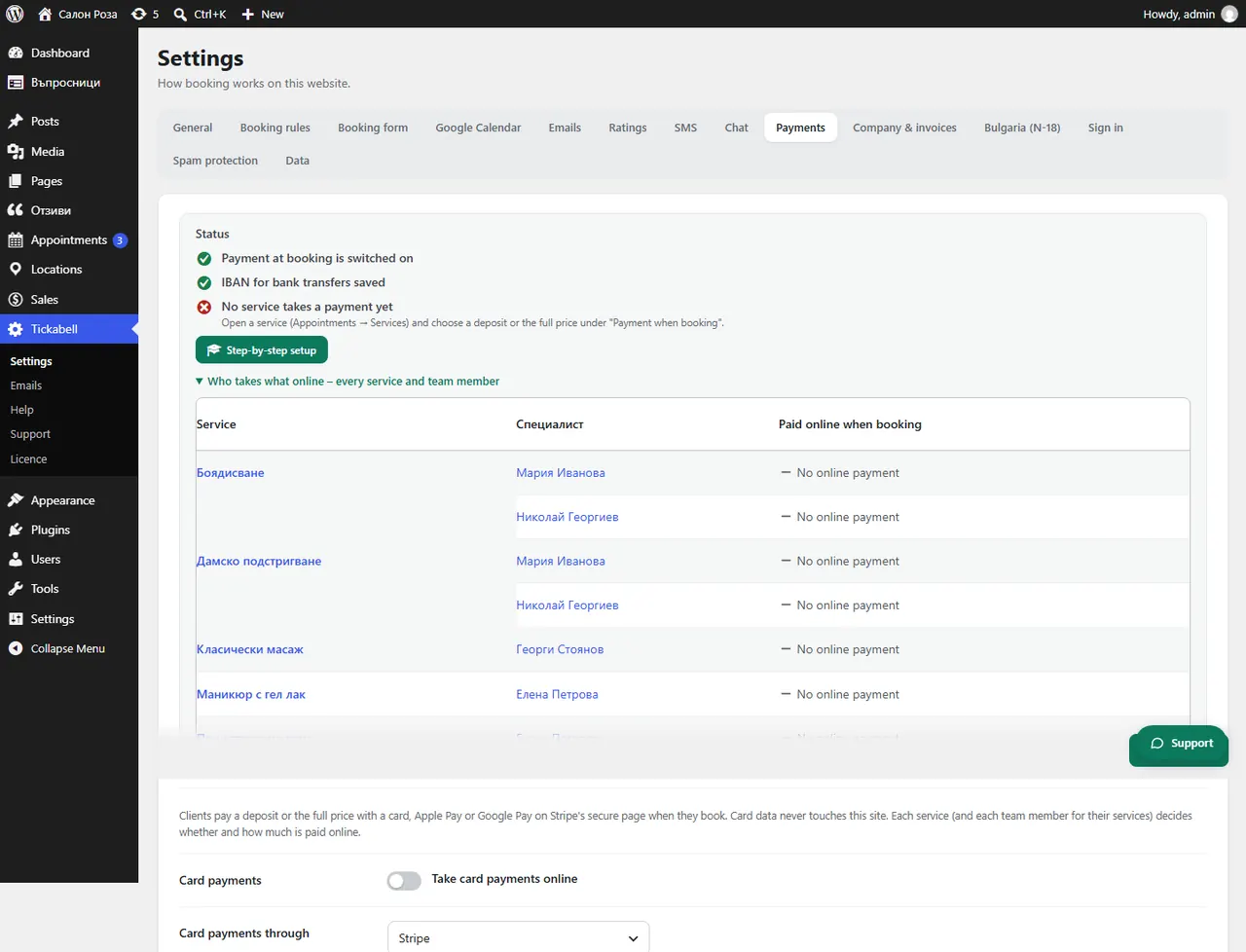
Where: Tickabell›Settings›Payments›Time to pay (minutes)
Steps
- Open Tickabell › Settings › Payments.
- Enter the minutes in “Time to pay (minutes)”, at least 30.
- Save.
Good to knowThe minimum of 30 minutes is a Stripe limit. For bank transfers the deadline is in “Days to pay”.
Related articles
Was this article helpful?