

How do I change when the reminder is sent?
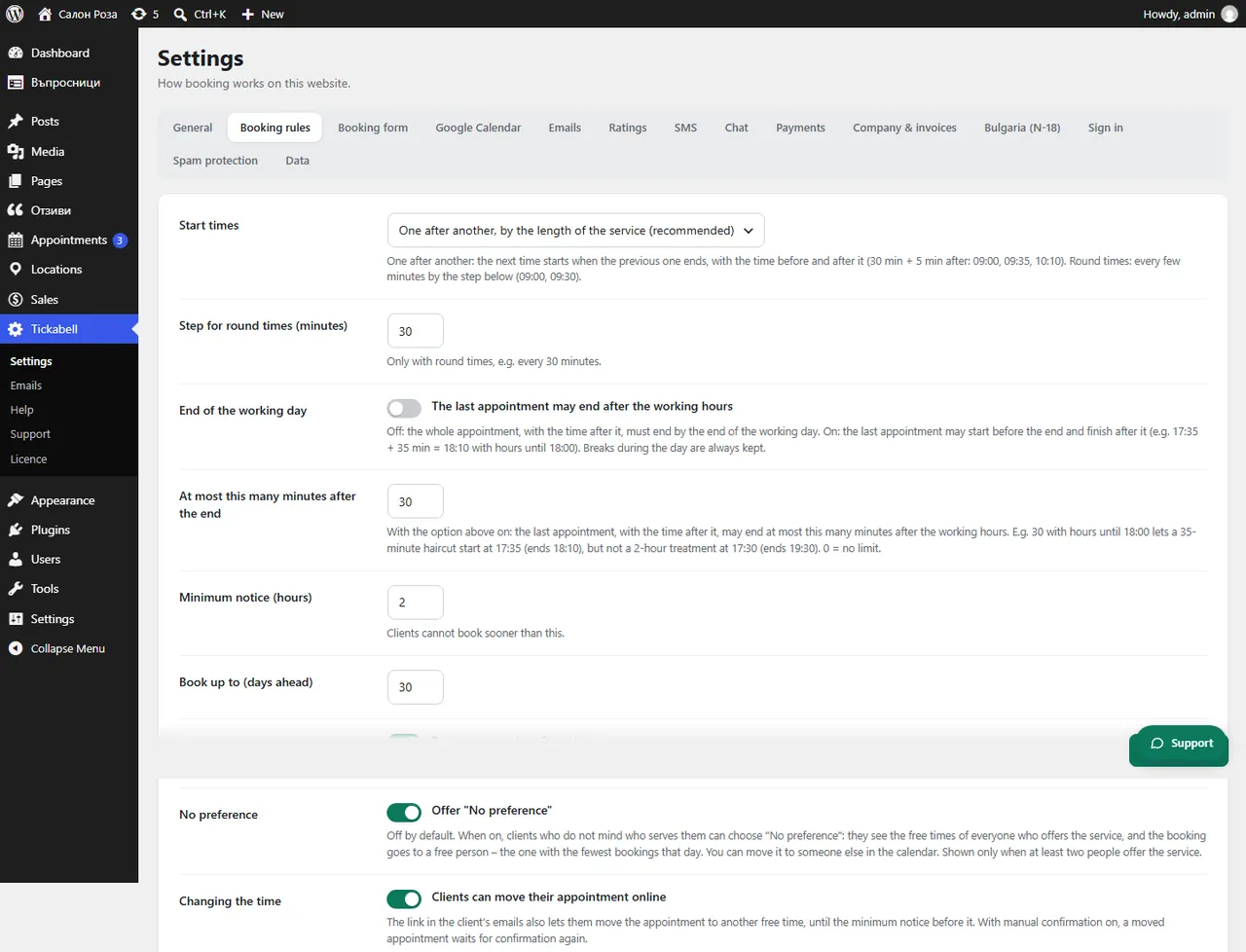
The email reminder is set in Tickabell › Settings › Booking rules, in “Send reminder (hours before)”. The SMS reminder has its own field in Settings › SMS.
Where: Tickabell›Settings›Booking rules›Send reminder (hours before)
Steps
- Open Tickabell › Settings › Booking rules.
- In “Send reminder (hours before)” enter the hours, for example 24. 0 switches the reminders off.
- For SMS open Settings › SMS and change “Send (hours before)”.
- Save.
Good to knowOnly confirmed appointments booked earlier than that time get a reminder. If reminders arrive late, see the article about Cron.
Related articles
Was this article helpful?