

How does a team member see their appointments in their own calendar (iCal)?
Copy the link from “Calendar subscription (iCal)” in their profile and add it to Apple, Google or Outlook calendar as a subscription.
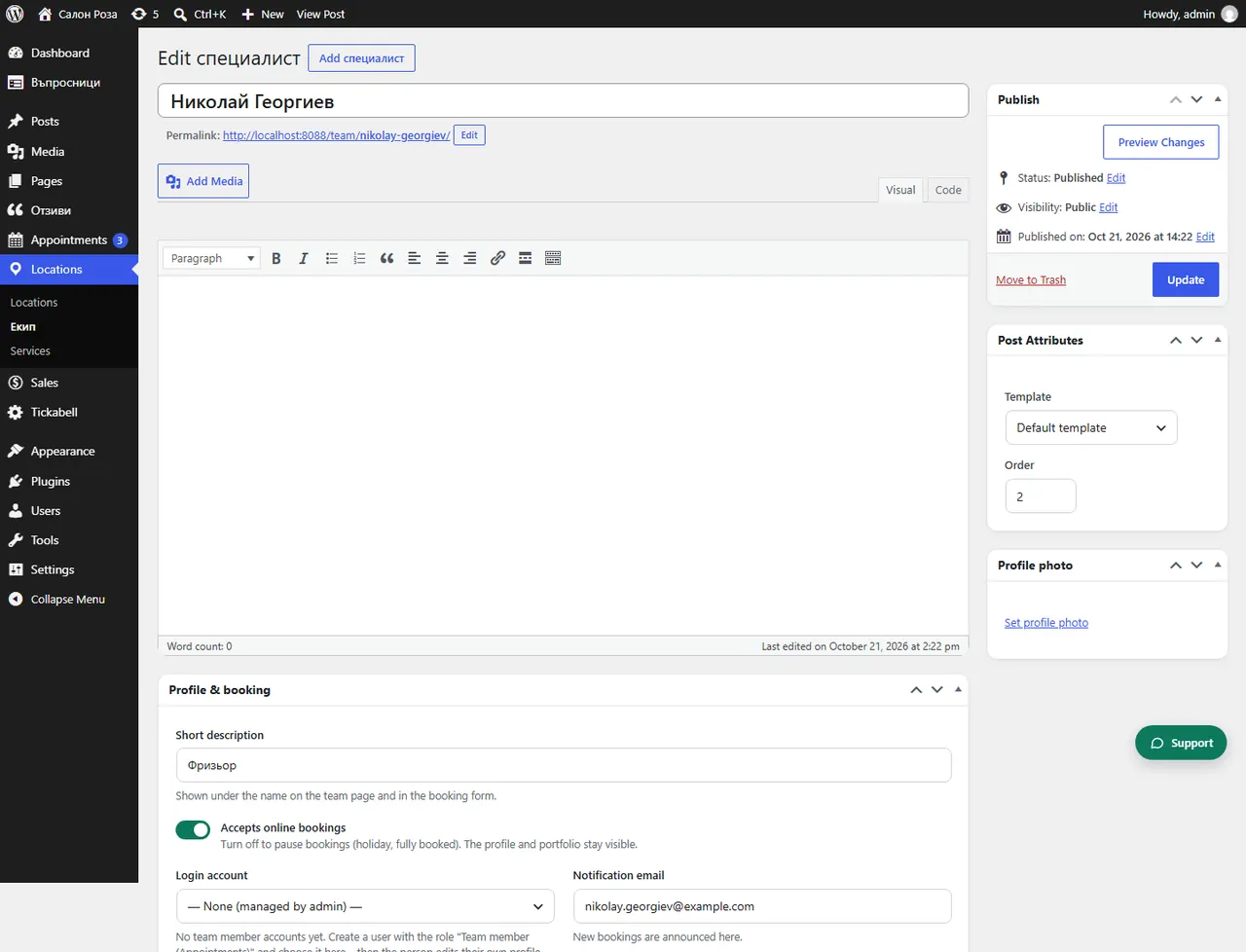
Where: Locations›Team›(team member)›Profile & booking›Calendar subscription (iCal)
Steps
- Open Locations › Team and the person.
- In “Calendar subscription (iCal)” copy the link.
- In the calendar on the phone or computer choose to subscribe, or to add a calendar from a URL, and paste the link.
Good to knowThe calendar shows the service and the client's name, without email and phone. It updates by itself: Google every few hours, Apple and Outlook more often. If the link has reached someone else, press “Change the link”. The old link stops working at once.
Related articles
Was this article helpful?