

How do I send happy clients to Google reviews?
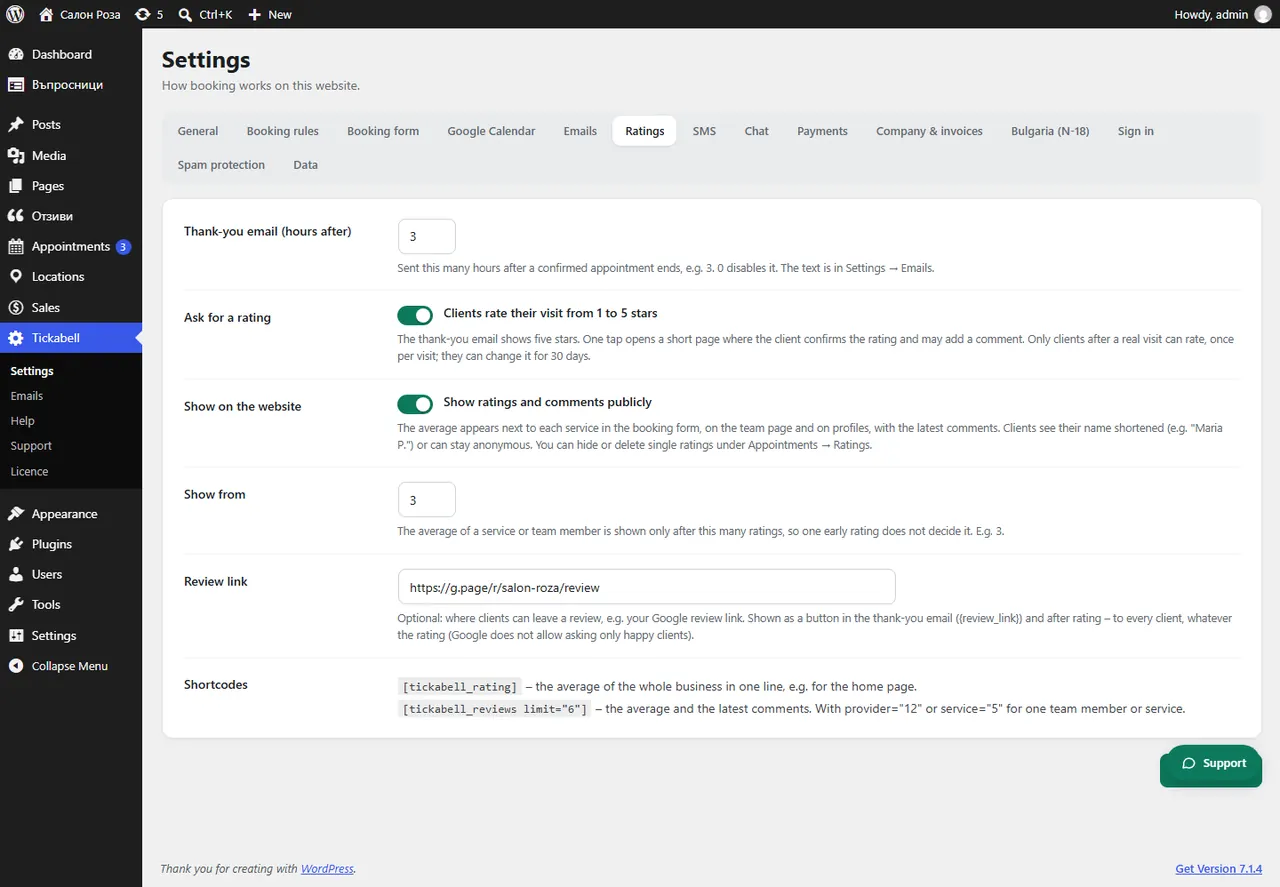
Paste your Google review link in Tickabell › Settings › Ratings › Review link. It is shown as a button in the thank-you email and after the rating.
Where: Tickabell›Settings›Ratings›Review link
Steps
- In Google Business Profile copy the link for reviews.
- Open Tickabell › Settings › Ratings.
- Paste the link in “Review link” and save.
Good to knowThe button is shown to every client, whatever their rating. That is fair and matches Google's rules.
Related articles
Was this article helpful?