

When is the thank-you email with the rating invitation sent?
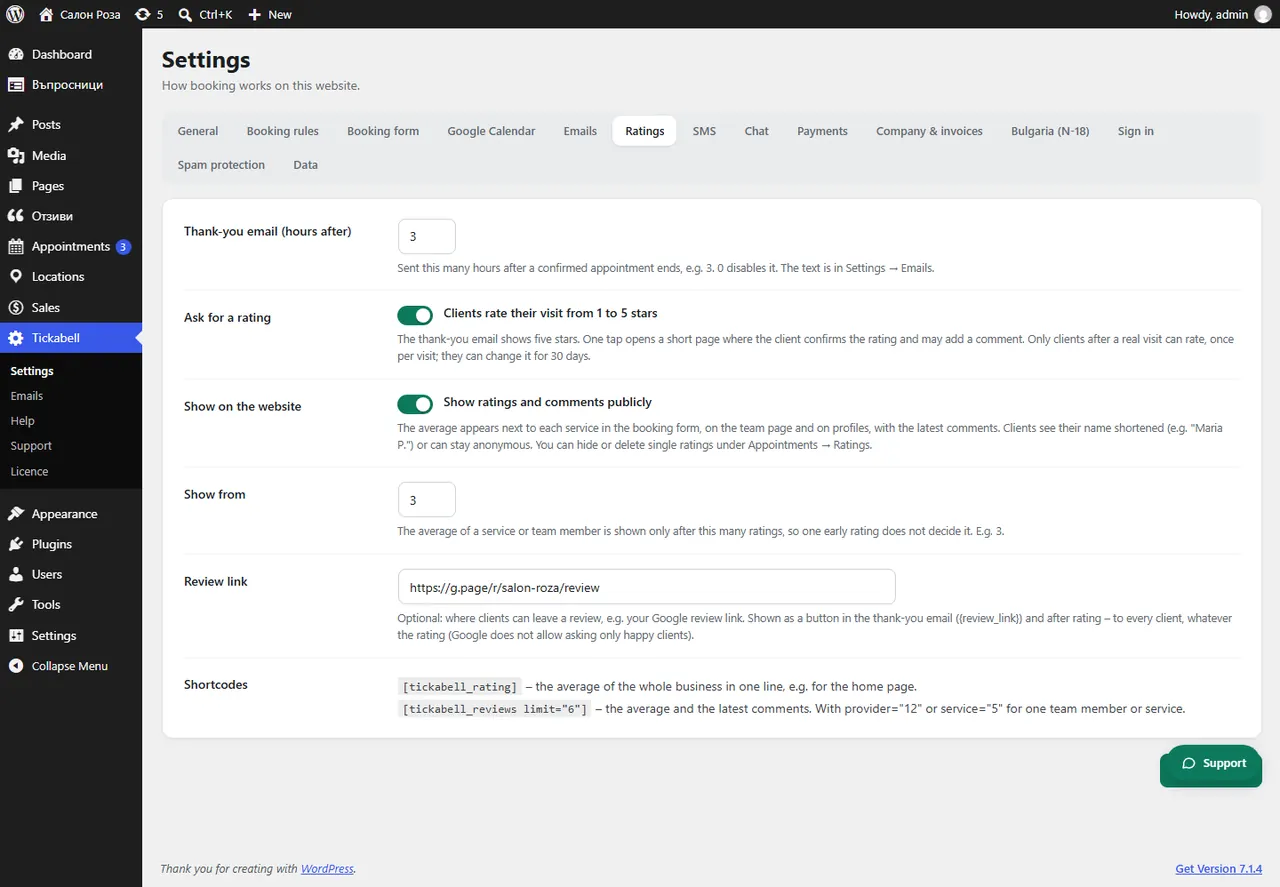
As many hours after the end of a confirmed appointment as you have set in “Thank-you email (hours after)”, for example 3. If it is 0, the email is not sent.
Where: Tickabell›Settings›Ratings›Thank-you email (hours after)
Steps
- Open Tickabell › Settings › Ratings.
- In “Thank-you email (hours after)” enter the number of hours.
- Save.
Good to knowYou change the text of the email in Tickabell › Settings › Emails, “Client: thank you after the visit”.
Related articles
Was this article helpful?