

How do I find the clients who have not been back for 3 months?
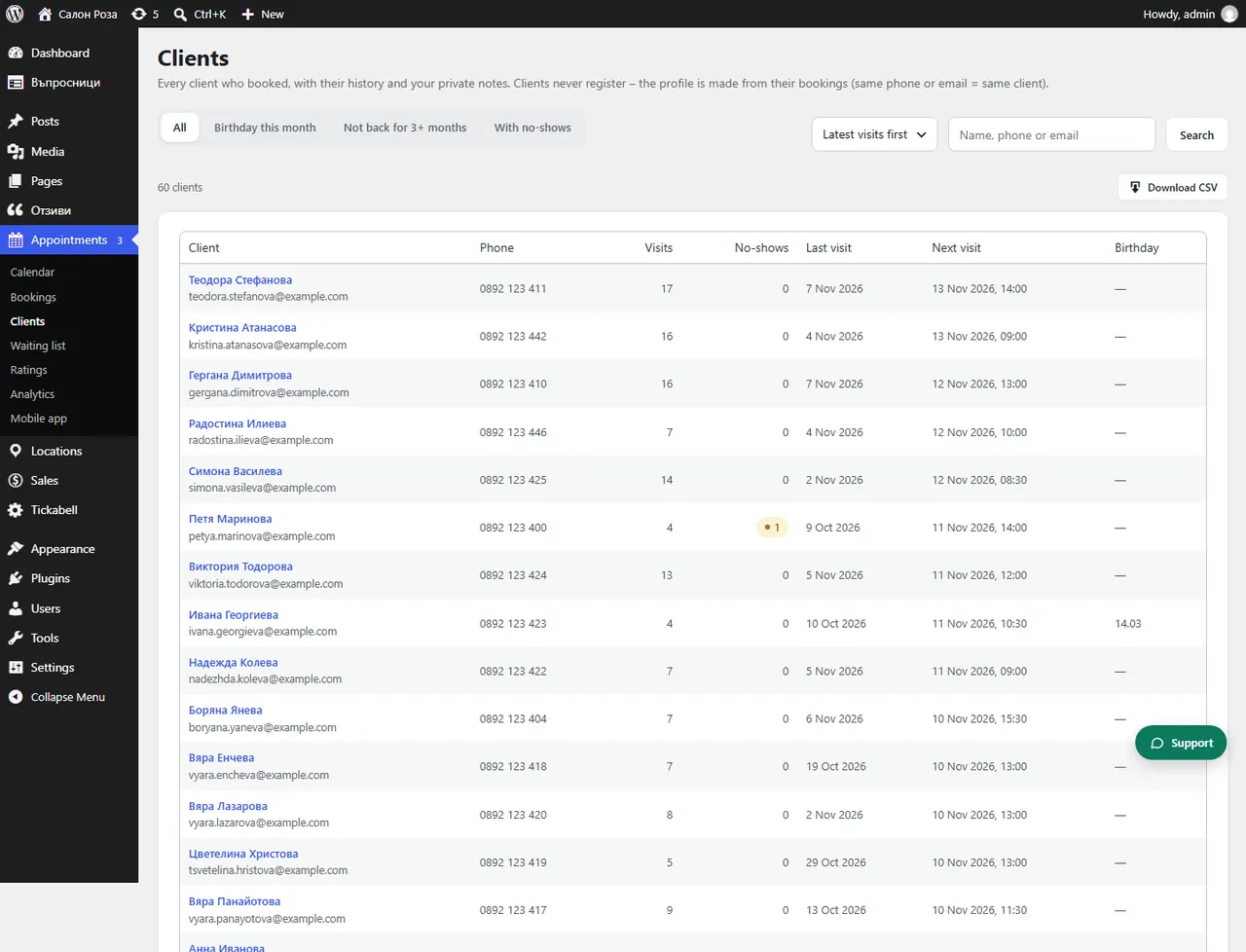
In Appointments › Clients choose the “Not back for 3+ months” view. These are the clients worth inviting back.
Where: Appointments›Clients›Not back for 3+ months
Steps
- Open Appointments › Clients.
- At the top choose “Not back for 3+ months”.
- Call or write to each client from their profile.
Good to knowTo invite clients automatically after a certain service, see “Next visit” in Marketing.
Related articles
Was this article helpful?