

How do I write to Tickabell support?
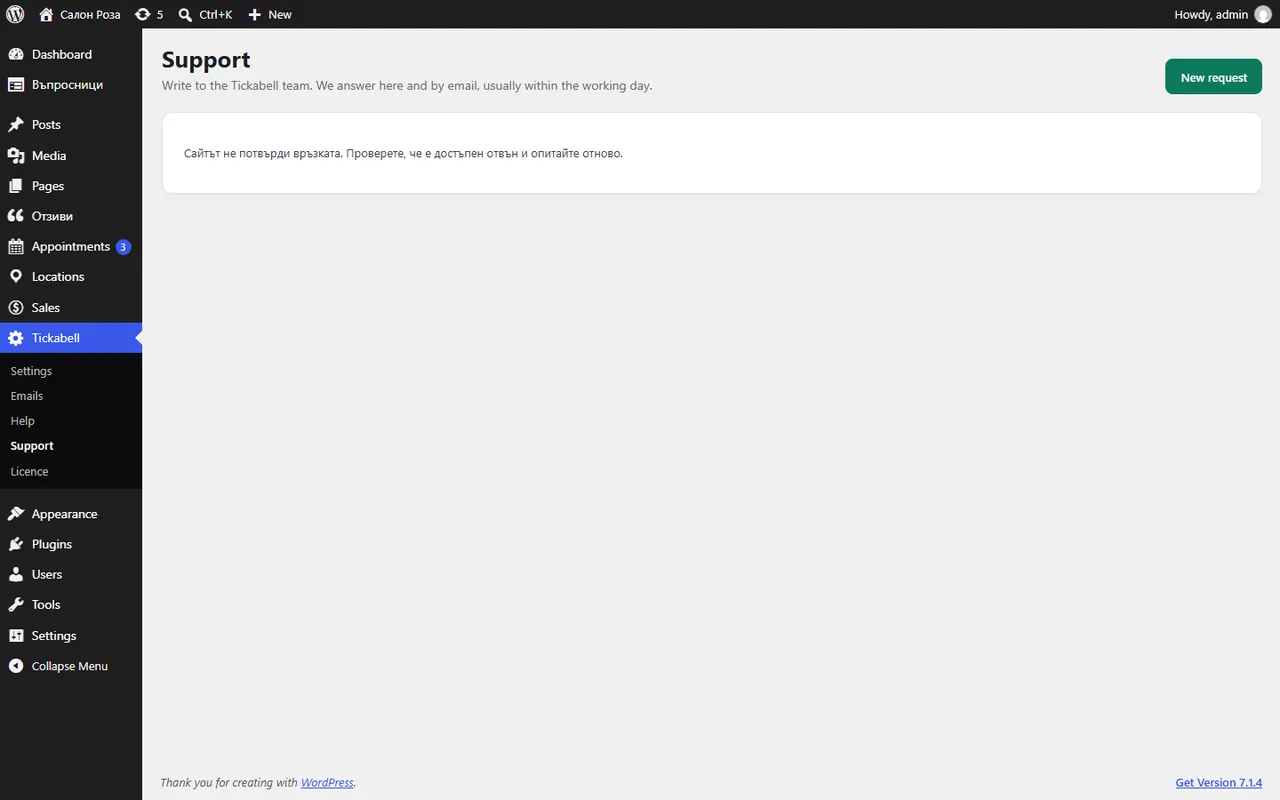
From Tickabell › Support, or with the “Support” button in the bottom right corner of every Tickabell screen. We answer there and by email, usually within the working day.
Where: Tickabell›Support
Steps
- Open Tickabell › Support and press “New request”.
- Write a subject and what is happening. Add screenshots if they help (up to 5 files).
- Check the email in “Answer to” and press “Send”.
- When we answer, the request shows “We answered” and you get an email.
Good to knowThe versions of WordPress, PHP, Tickabell and the theme are sent with the request by themselves, so we do not need to ask for them.
Related articles
Was this article helpful?