

How do I cancel an appointment and what does the client get?
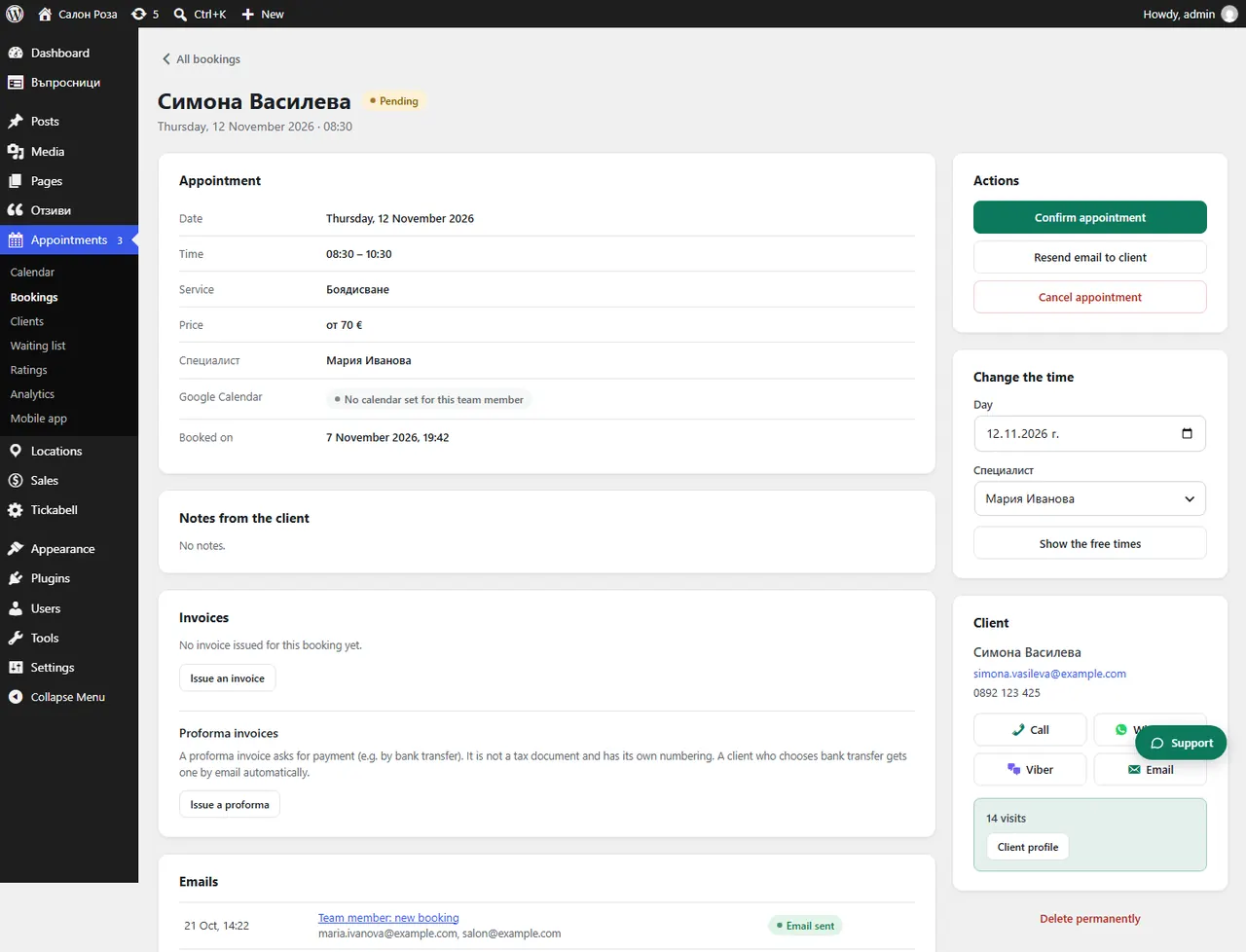
Open the appointment and press “Cancel appointment”. The client gets an email, and the time becomes free for others.
Where: Appointments›Bookings›(booking)›Cancel appointment
Steps
- Open the appointment from Appointments › Bookings.
- Press “Cancel appointment” and confirm.
- If the appointment was paid online, see the “Refund” part of the same booking.
Good to knowIf someone is on the waiting list for that day, they get an email that a time has become free.
Related articles
- How is a paid amount refunded when an appointment is cancelled?
- How do I cancel only one, or all the following, repeating appointments?
- How does the waiting list work?
Was this article helpful?