

Appointments do not appear in Google Calendar
Check that the calendar is shared with the service email with permission to make changes to events, and that the calendar ID is pasted in the team member's profile.
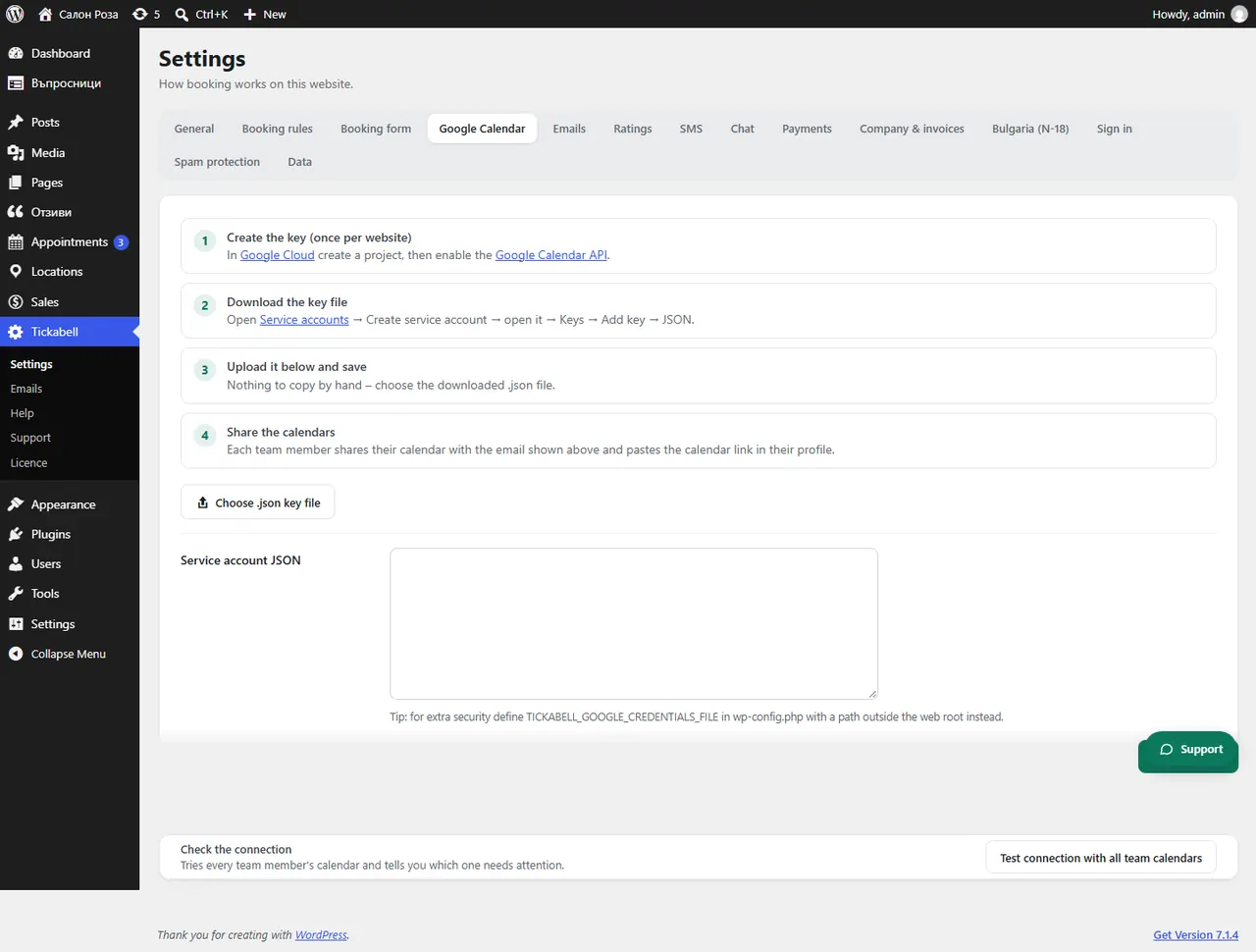
Where: Tickabell›Settings›Google Calendar
Steps
- In Tickabell › Settings › Google Calendar click “Test connection with all team calendars”.
- In Google Calendar check the sharing of the calendar with the service email and the permission.
- In Locations › Team, in the profile, check the “Google Calendar” field.
- Open the booking: it shows whether it has been synced.
Good to knowIf the booking says “No calendar set for this team member”, paste the calendar ID in their profile.
Related articles
Was this article helpful?