

The QR code for the app does not work
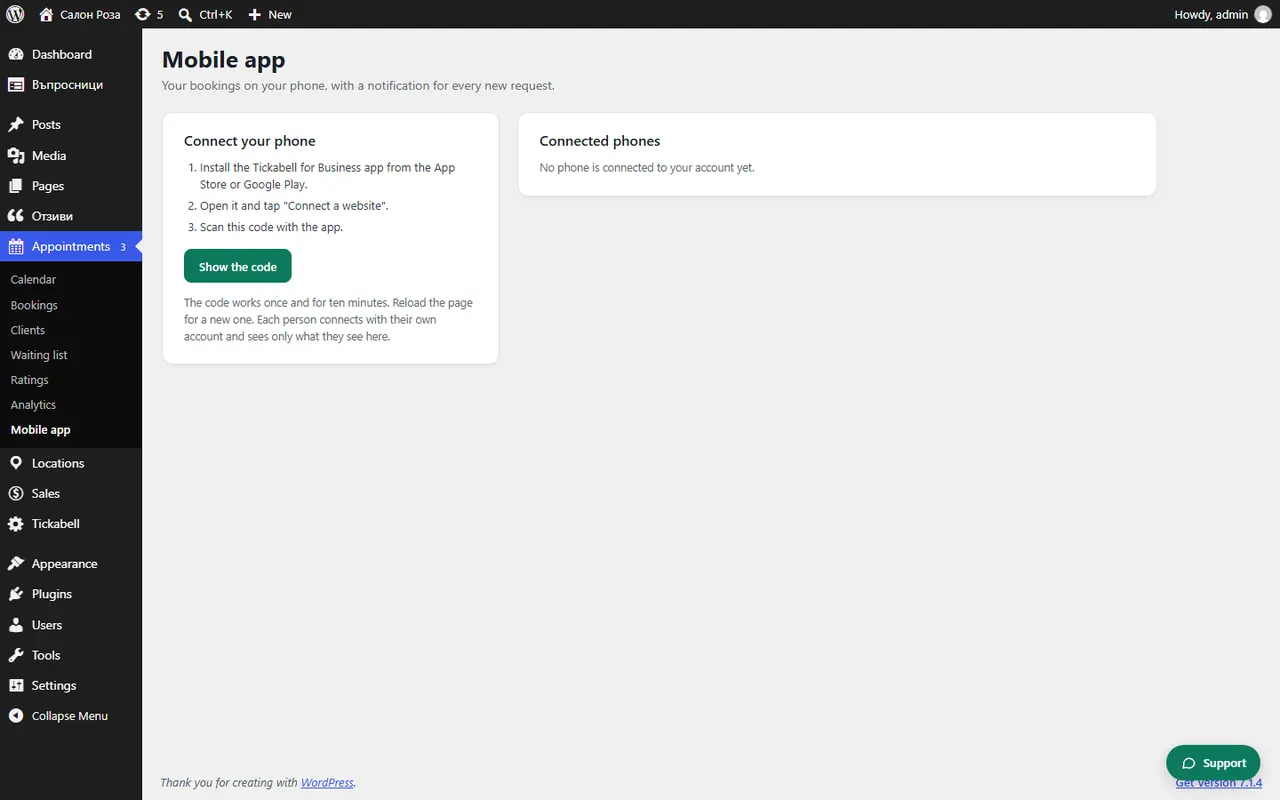
The code works once and for ten minutes. Reload the Appointments › Mobile app page for a new code and scan it straight away.
Where: Appointments›Mobile app
Steps
- Reload Appointments › Mobile app and click “Show the code”.
- Scan it from the app with “Connect a website”.
- If it says this is not a Tickabell code, open the “Mobile app” page again.
- If it says the website must run on HTTPS, switch on an SSL certificate in the hosting.
Good to knowEveryone scans the code while logged in with their own account. The code connects the phone to the account that showed the code.
Related articles
Was this article helpful?