

The emails go to “Spam”
The most common causes are a sender address from a free mail service, sending without SMTP and missing SPF or DMARC records. Fix them in this order.
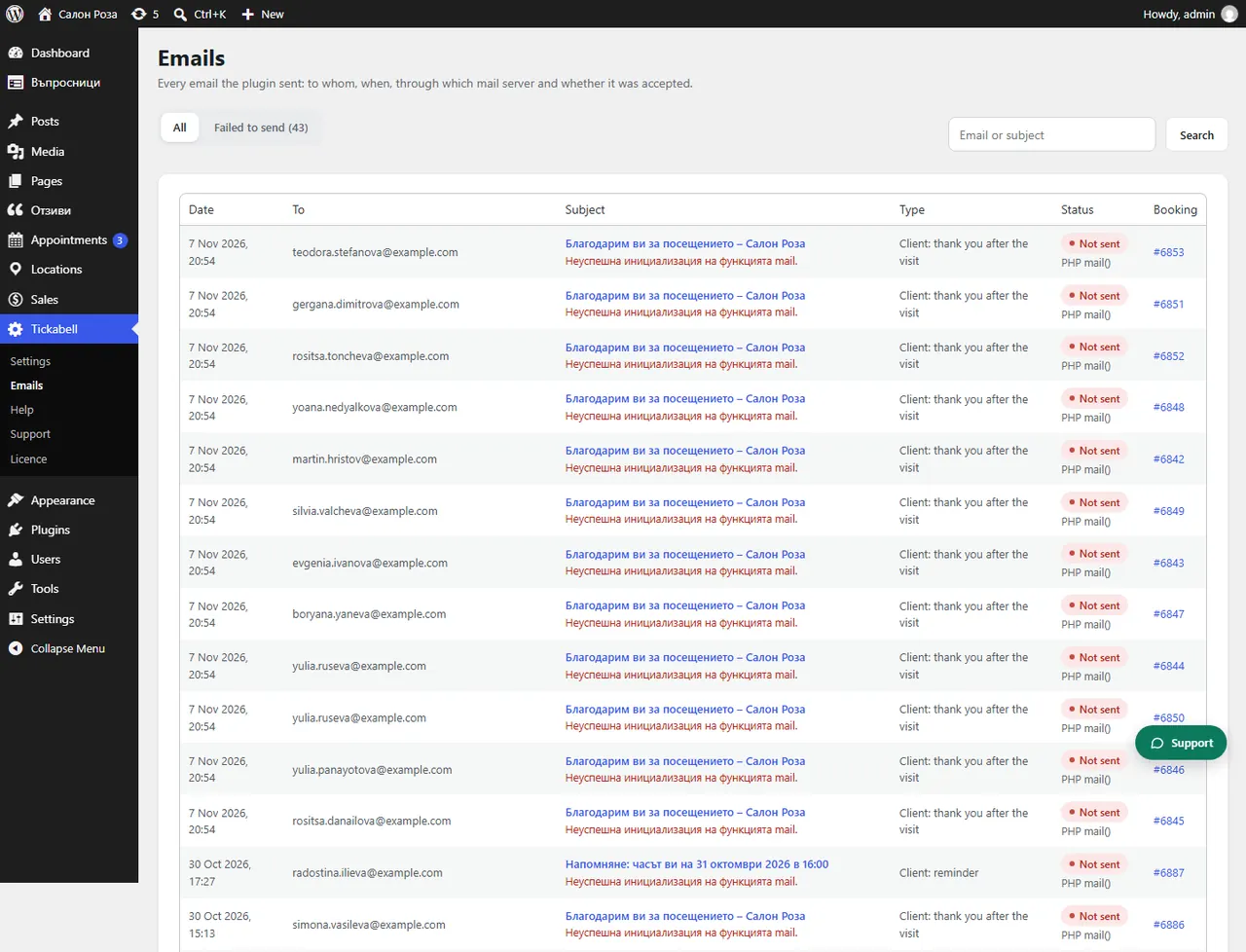
Where: Tickabell›Emails
Steps
- In Tickabell › Settings › Emails change the “From email” to an address on your domain, for example [email protected].
- Install an SMTP plugin, for example FluentSMTP, and connect it to the mailbox of your domain.
- Ask your hosting to add SPF and DMARC records for the domain, if Tickabell shows a warning.
- Send a test email to your own Gmail and check where it arrives.
Good to knowWebsites are not allowed to send in the name of free mail services such as Gmail or ABV, so such emails almost always end up in spam.
Related articles
Was this article helpful?