

How does automatic erasure of old data work?
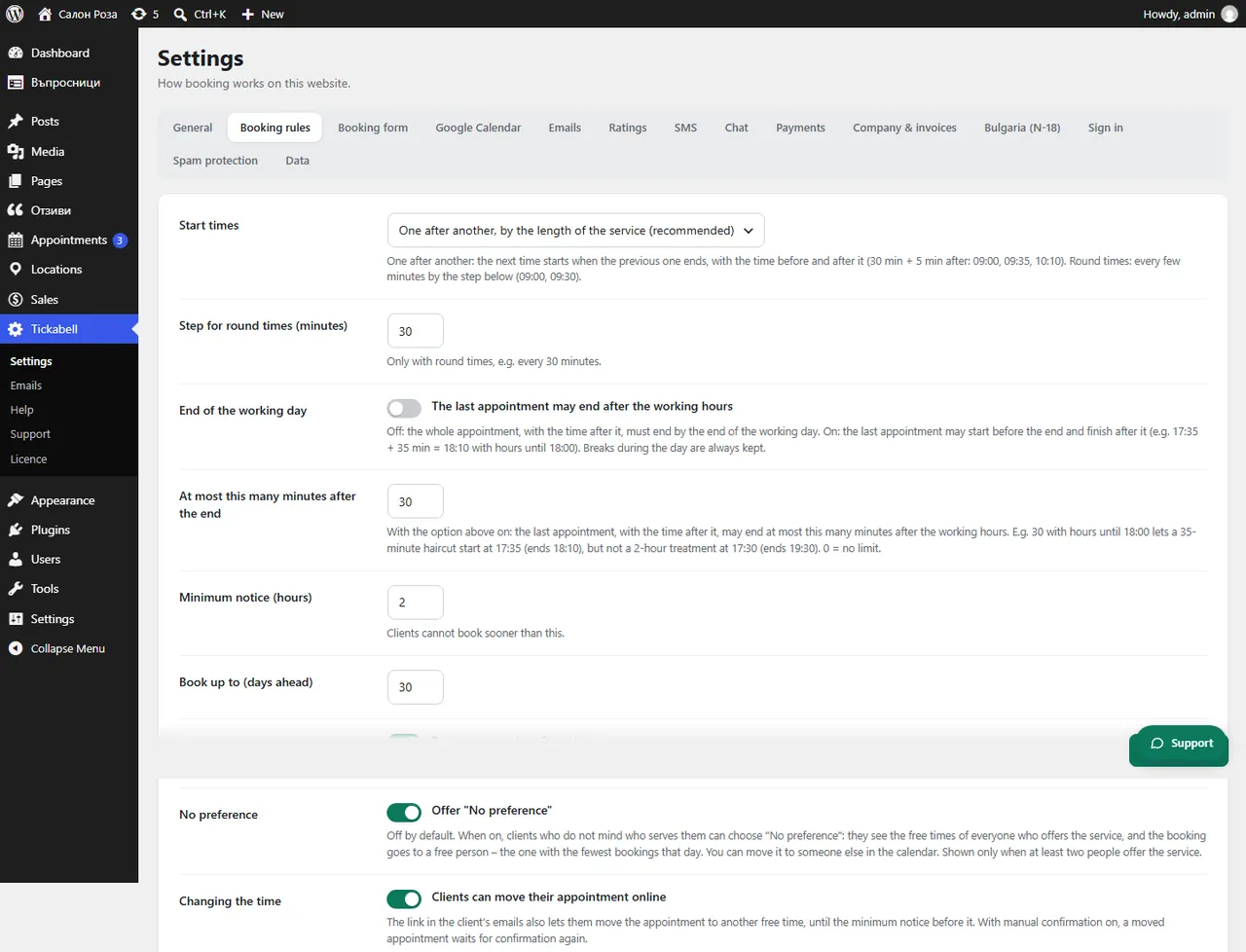
In Tickabell › Settings › Booking rules set “Delete client data after (months)”. Past bookings and their files are erased automatically after that period. 0 keeps them for ever.
Where: Tickabell›Settings›Booking rules›Delete client data after (months)
Steps
- Open Tickabell › Settings › Booking rules.
- Enter the months in “Delete client data after (months)”, for example 12.
- Save.
Good to knowBookings with accounting documents are kept for the accounts, without the phone number, the notes and the files. Choose a period that matches your privacy policy.
Related articles
Was this article helpful?