

Where do I see the files the client uploaded?
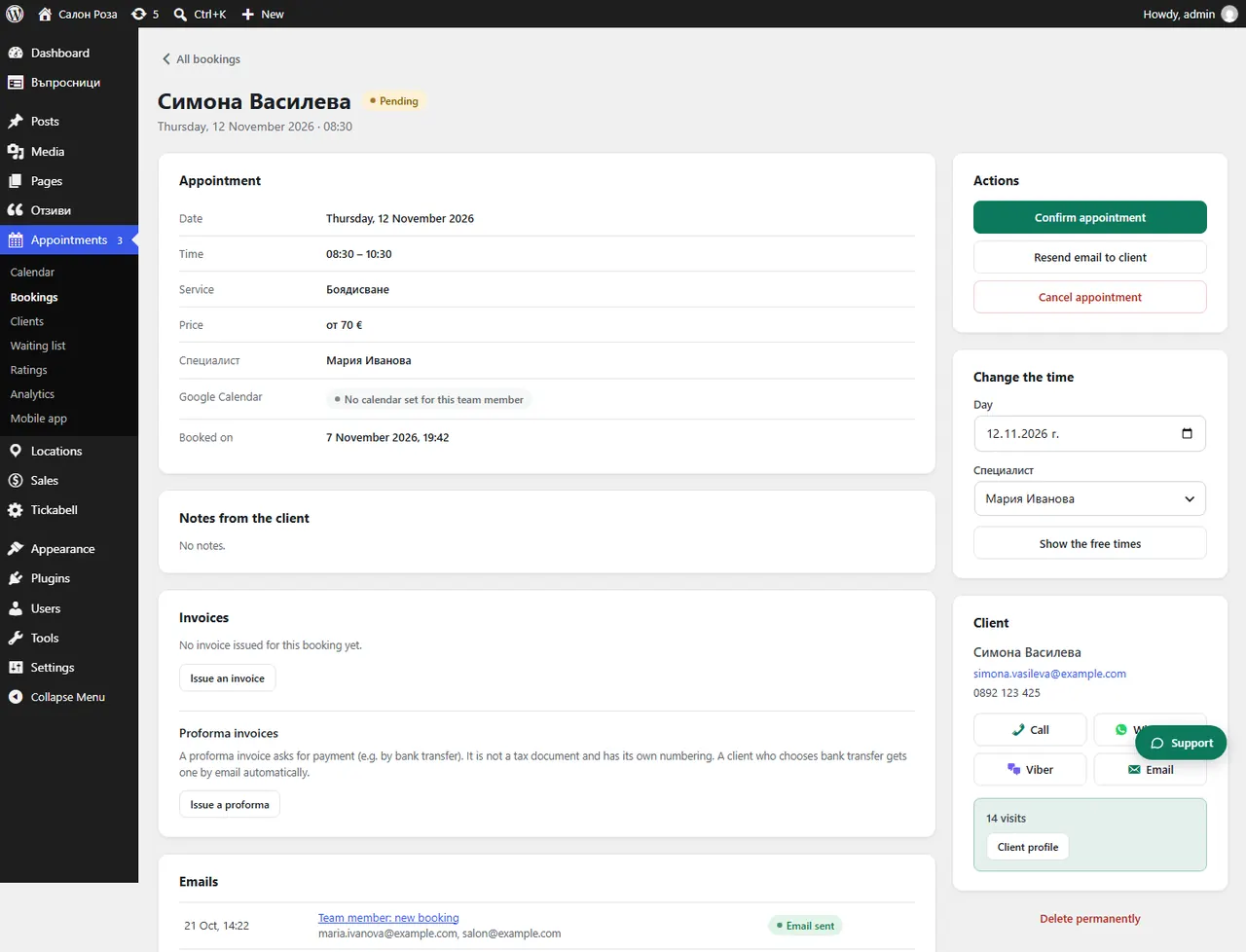
In the booking, in the “Attachments” part. You open each file with one click.
Where: Appointments›Bookings›(booking)›Attachments
Steps
- Open the appointment from Appointments › Bookings.
- The files are under “Attachments”, as File 1, File 2 and so on.
Good to knowClients can upload files only if you have allowed it in the Booking rules. The files are deleted together with the booking's data after the period you have set.
Related articles
Was this article helpful?