

The client did not come. How do I mark it?
Open the past appointment and press “The client did not come”. The number of missed appointments shows in the client's profile.
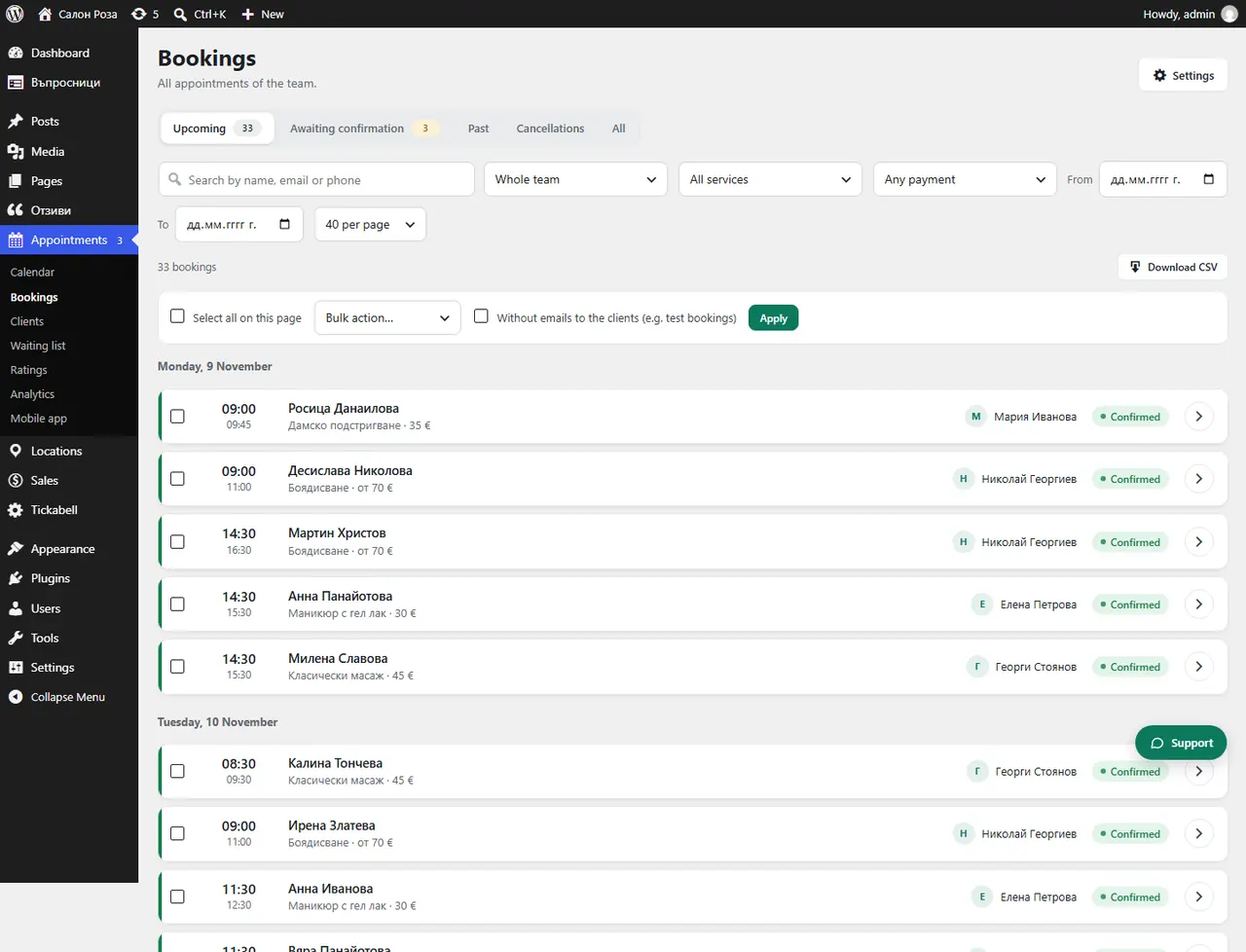
Where: Appointments›Bookings›Past›(booking)
Steps
- Open Appointments › Bookings, the “Past” view.
- Open the appointment and press “The client did not come”.
- If you made a mistake, press “Remove the mark”.
Good to knowYou find clients with missed appointments in Appointments › Clients.
Related articles
Was this article helpful?