

How do I connect a team member's phone?
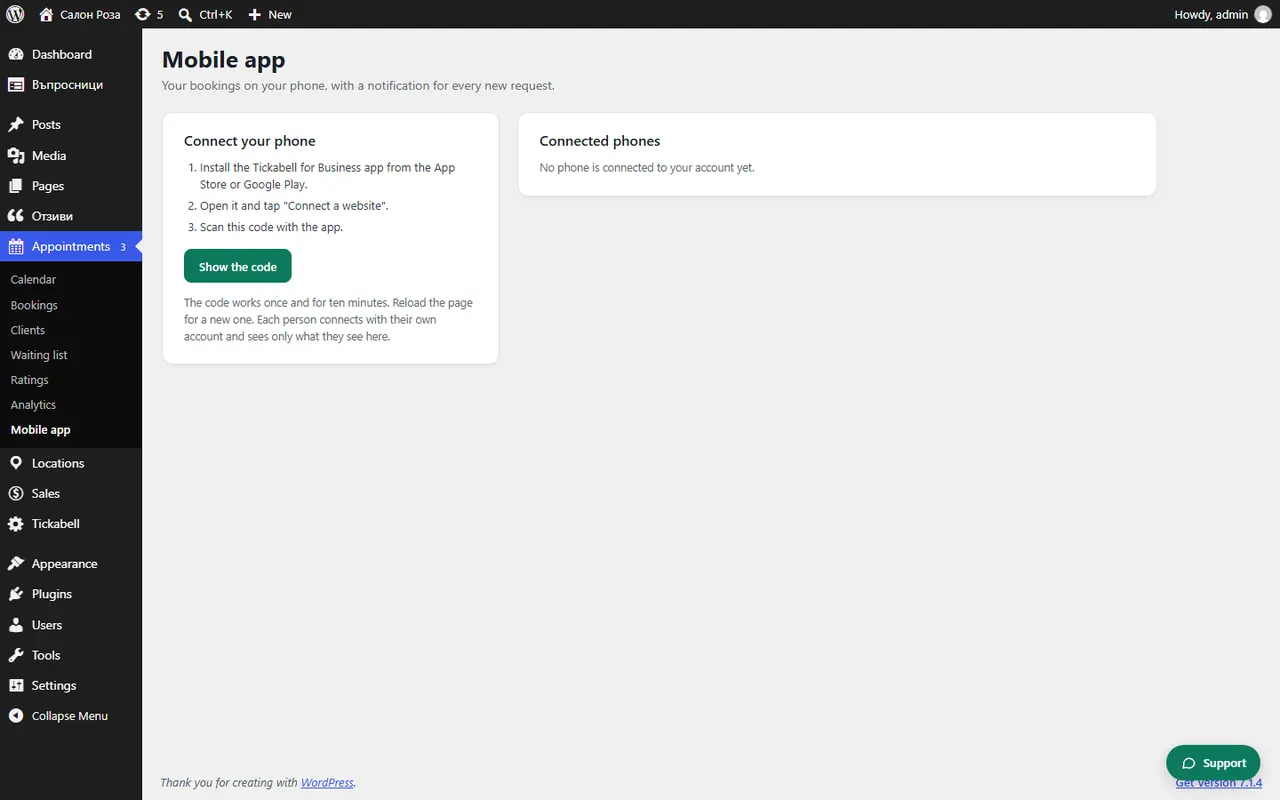
Each team member logs in to the website with their own account, opens Appointments › Mobile app and scans their own code. That way the app shows only their appointments.
Where: Appointments›Mobile app
Steps
- Make sure the person has a login account and is linked to their profile in Locations › Team.
- The person logs in to the website with their own account.
- They open Appointments › Mobile app and click “Show the code”.
- They scan the code with their own phone.
Good to knowEveryone connects with their own account and sees in the app only what they see on the website. If it says the account is not yet linked to a team member profile, set the person as the author of their profile.
Related articles
Was this article helpful?