

How do I change the invoice numbering?
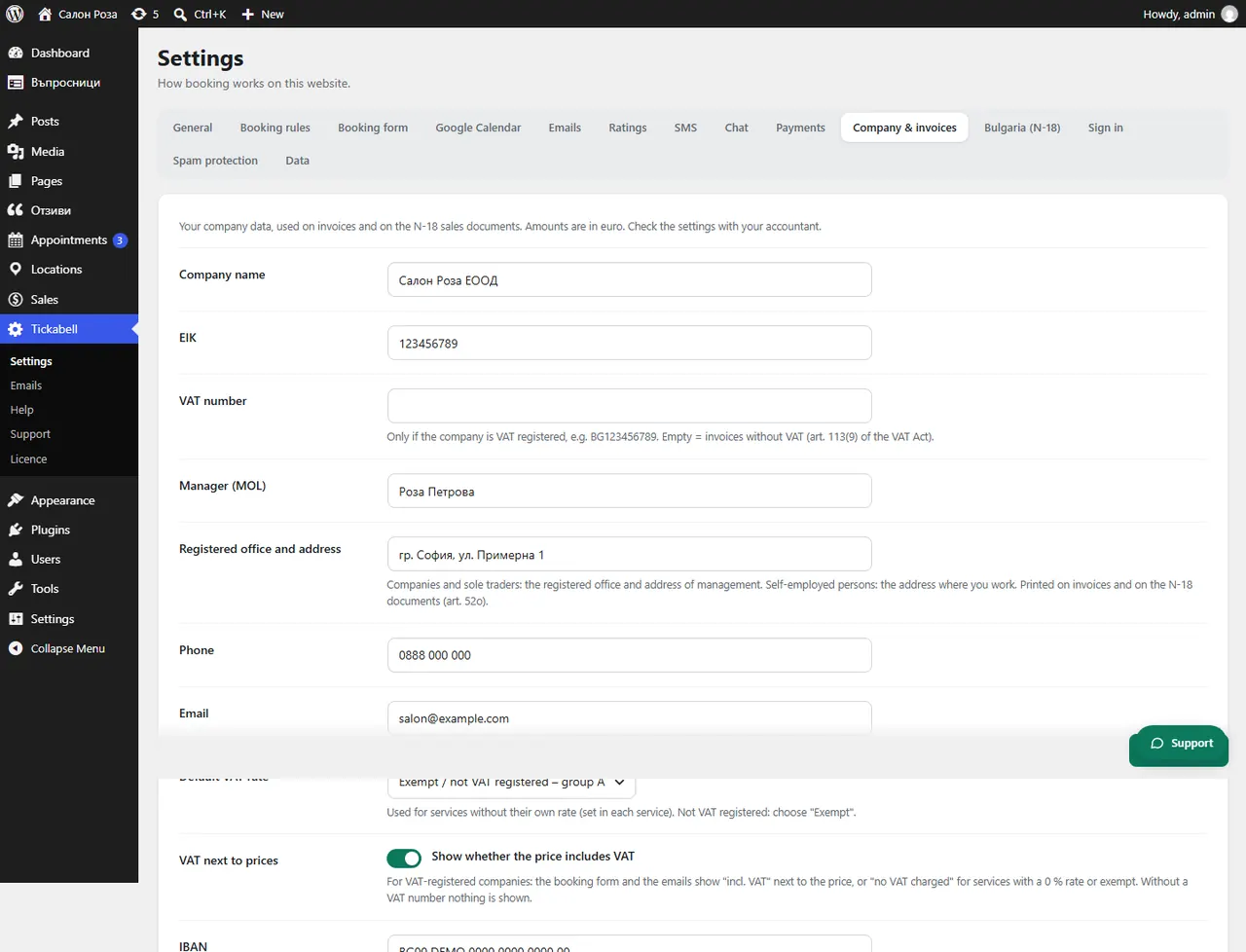
In Tickabell › Settings › Company & invoices enter the “Next invoice number”. That way you carry on the numbering from your previous invoicing software.
Where: Tickabell›Settings›Company & invoices›Next invoice number
Steps
- Open Tickabell › Settings › Company & invoices.
- Enter the next number in “Next invoice number”.
- Save.
Good to knowInvoices, credit notes and debit notes share one 10-digit numbering. The number can only go up.
Related articles
Was this article helpful?