

How do I change the sender's name and address?
In Tickabell › Settings › Emails fill in “From name” and “From email”. Use an address on your own domain, for example [email protected].
Where: Tickabell›Settings›Emails›From name
Steps
- Open Tickabell › Settings › Emails.
- In “From name” write the name of the business.
- In “From email” enter an address on your domain.
- Save.
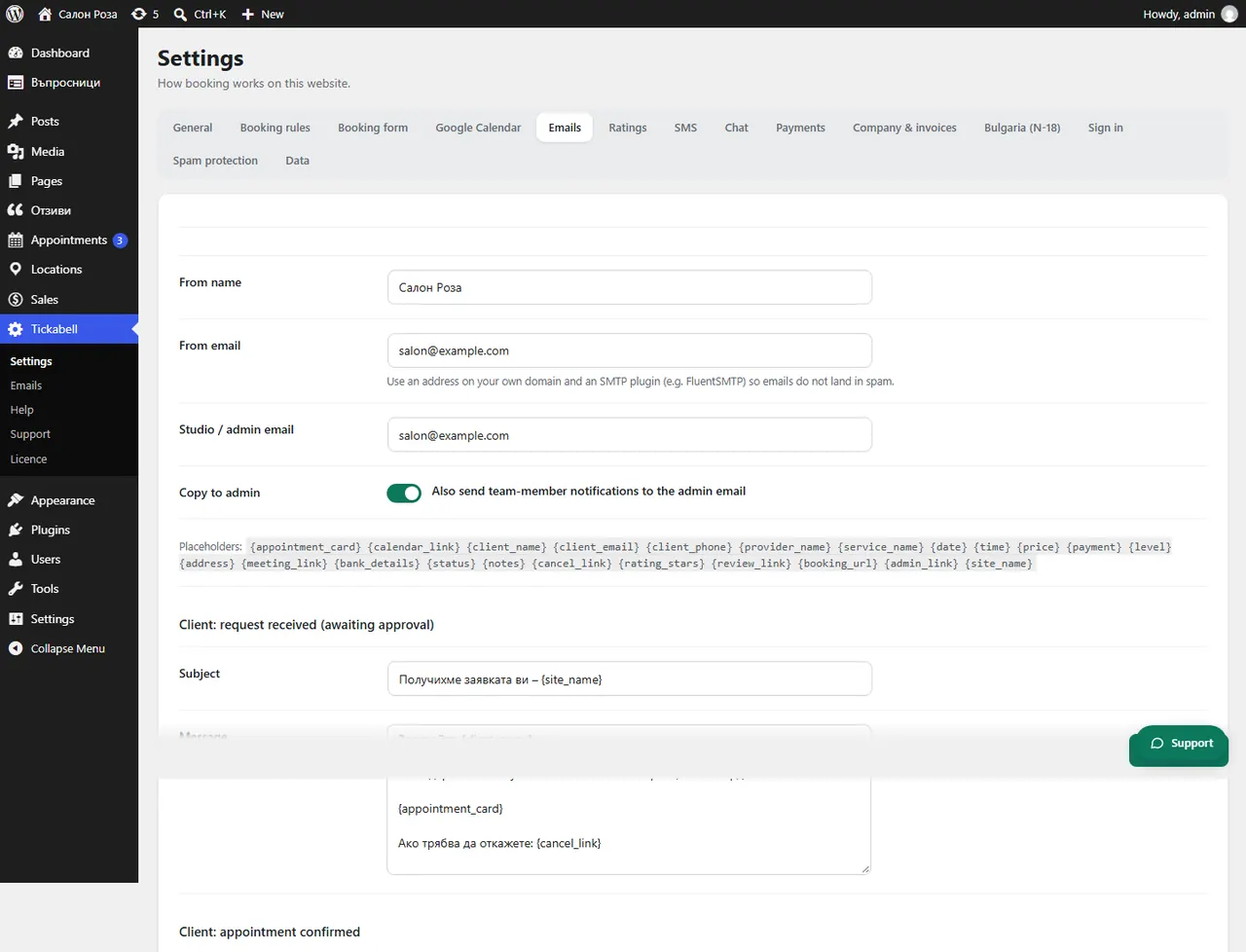
Good to knowDo not use an address from a free mail service such as Gmail or ABV. Websites are not allowed to send in their name, and the emails usually end up in spam. For reliable delivery use an SMTP plugin, for example FluentSMTP.
Related articles
Was this article helpful?