

How do I enter a holiday or days off?
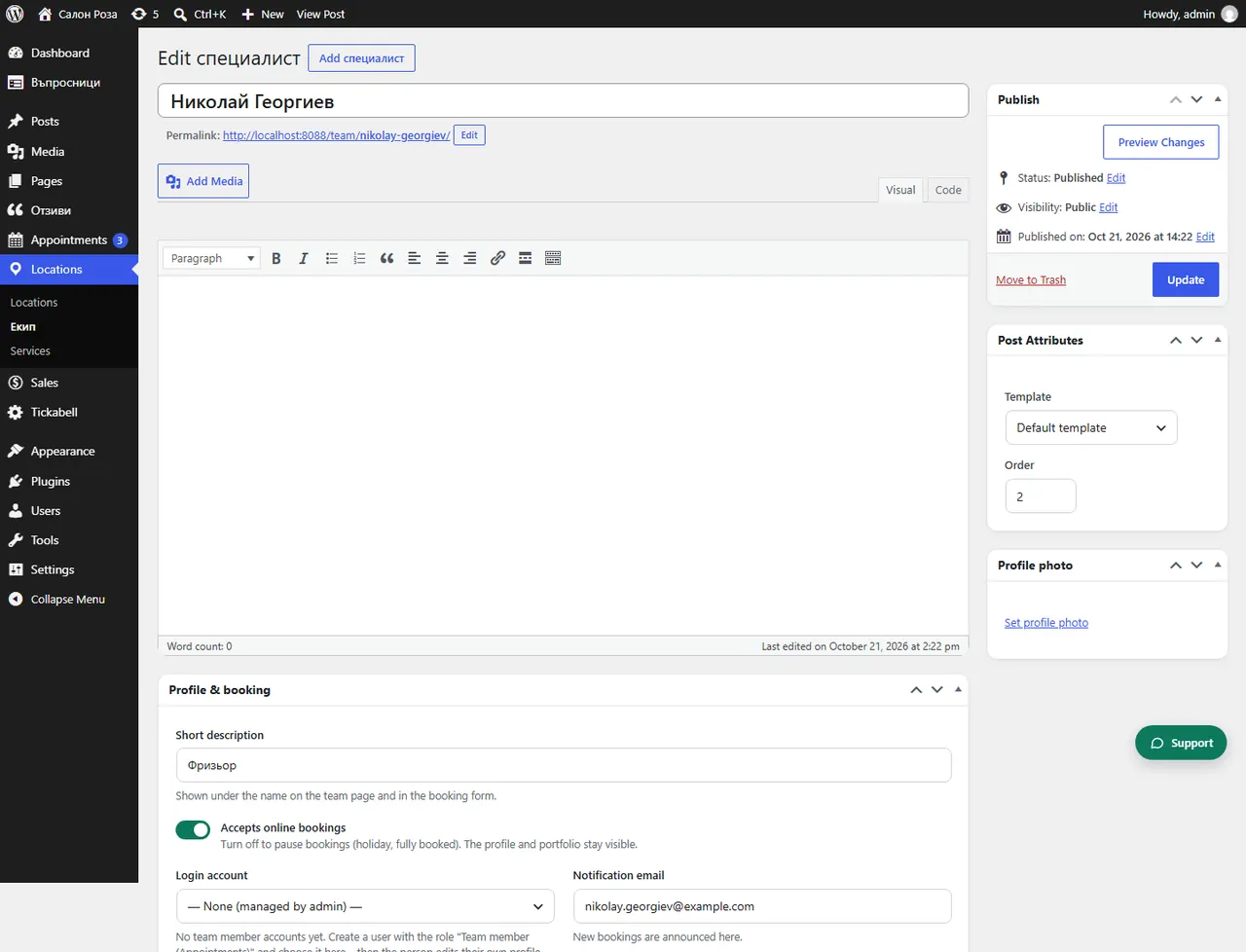
Open the person and under “Days off & holidays” click the days in the calendar. Days off disappear from the booking form.
Where: Locations›Team›(team member)›Days off & holidays
Steps
- Open Locations › Team and the person.
- Under “Days off & holidays” click a day to mark it as a day off. Clicking it again makes it a working day.
- For several days, drag across them.
- For a longer period, click the first day, hold Shift and click the last one.
- Save.
Good to knowAll-day events in Google Calendar are “free” by default and do not stop bookings unless you mark them as “busy”. What you mark here always works.
Related articles
Was this article helpful?