

How do I give a team member a login to the system?
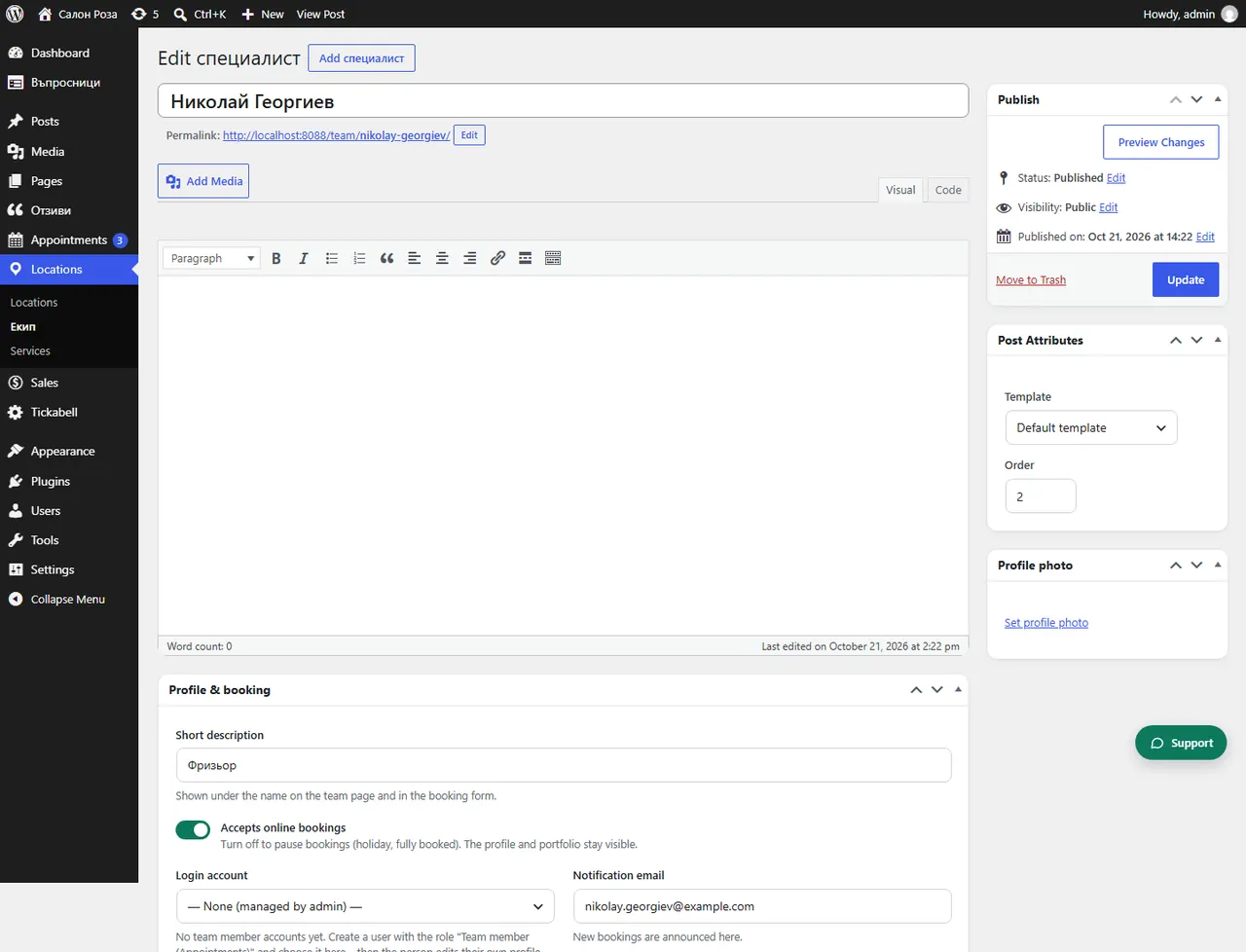
Open their profile and under “Login account” press “Create account” or choose an existing user. The person then keeps their own profile and schedule up to date and sees their own bookings.
Where: Locations›Team›(team member)›Profile & booking›Login account
Steps
- Open Locations › Team and the person.
- In “Profile & booking” find “Login account”.
- Press “Create account” or choose a user with the role “Team member (Appointments)”.
- Save. Under the field is the link the team uses to sign in. Copy it with “Copy” and send it to the person.
Good to knowIf you choose “None (managed by admin)”, only you look after the profile.
Related articles
- Who sees what: administrator, manager, team member
- How does the team log in?
- How does a team member get email notifications?
Was this article helpful?