

How do I invite the client for the next visit?
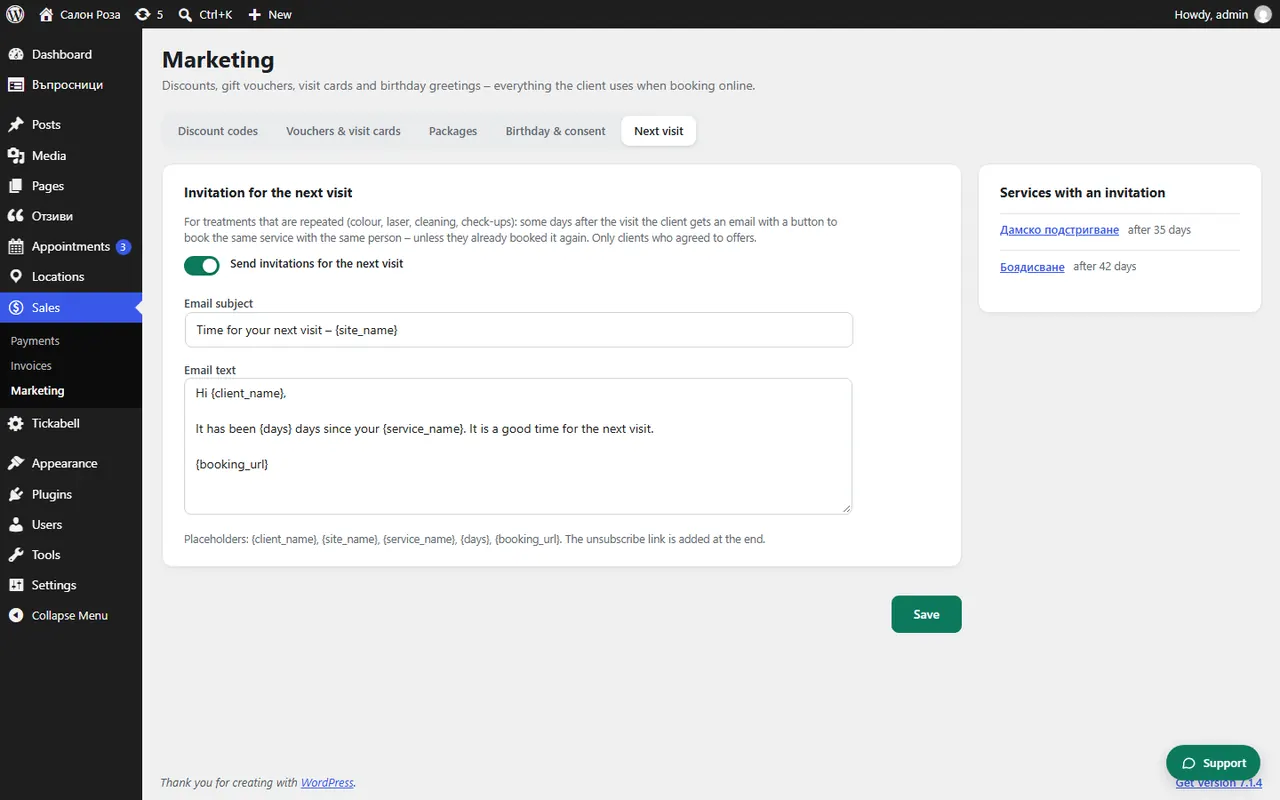
Tick “Send invitations for the next visit” in Sales › Marketing › Next visit, and set in the service after how many days the invitation goes out. The client gets an email with a button to book the same service with the same team member.
Where: Sales›Marketing›Next visit
Steps
- Open Sales › Marketing › Next visit.
- Tick “Send invitations for the next visit” and check the text of the email.
- Save.
- In the service, in Locations › Services, set the number of days in “Invite for the next visit after”.
Good to knowThe invitation does not go out if the client has already booked an appointment. Only clients who agreed to get offers receive it.
Related articles
Was this article helpful?