

How do I change the look and colour of the form?
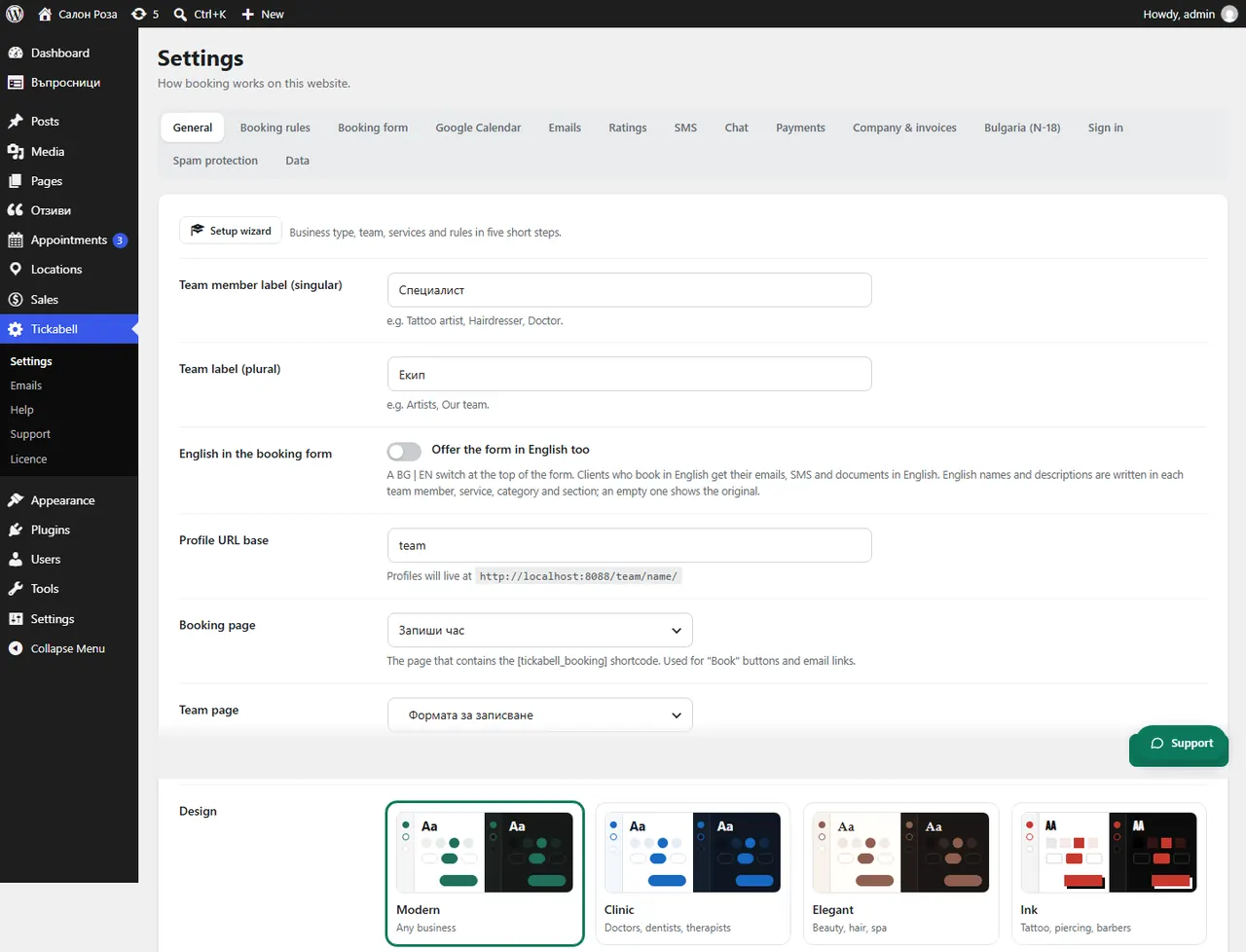
In Tickabell › Settings › General choose one of the 9 designs, the main colour and the colour scheme.
Where: Tickabell›Settings›General›Design
Steps
- Open Tickabell › Settings › General.
- In “Design” choose a look: Modern, Clinic, Elegant, Ink, Minimal, Fresh, Business, Playful or Premium.
- In “Main colour” set your brand's colour. Choosing a design also changes the colour, so set it after the design.
- In “Color scheme” choose light, dark or automatic. Automatic follows the visitor's phone or computer.
- Save.
Good to knowThe design applies to the form, the team and the profiles.
Related articles
Was this article helpful?