

How do I download the monthly audit file for the NRA?
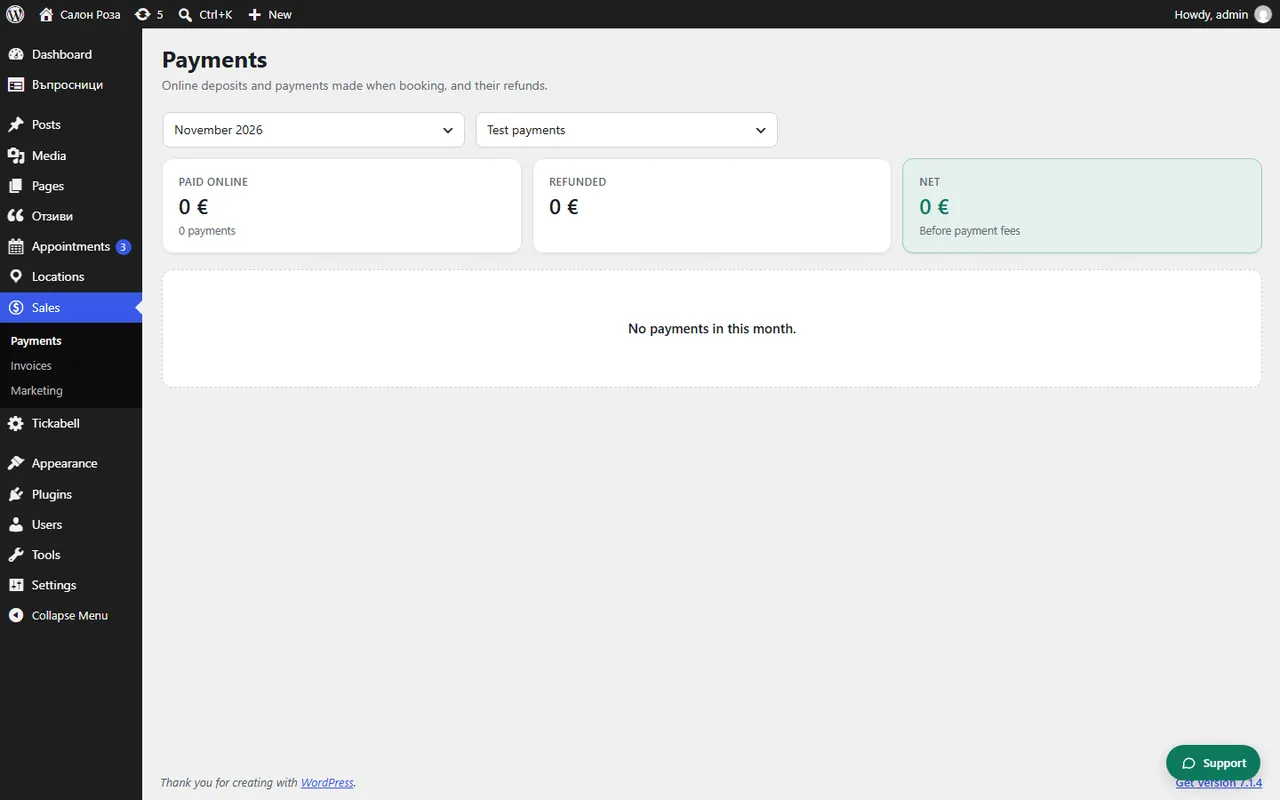
In Sales › Payments, under “Audit file for the NRA (Ordinance N-18)”, choose the month and press “Download XML”. File it in the NRA portal by the 15th of the following month.
Where: Sales›Payments›Audit file for the NRA (Ordinance N-18)
Steps
- Open Sales › Payments.
- In “Month of the audit file” choose the month and press “Show”.
- If there is a “To complete before the file” list, answer “Took place?” for each visit and enter the number of the cash register receipt.
- If it says a payment has no sales document, press “Issue the documents”.
- Press “Download XML”. The file is checked against the NRA schema before it downloads.
- File it in the NRA e-services portal.
Good to knowThe file includes all orders from the website whose service took place during the month, whatever the way of paying. The test file is only for checking; do not file it with the NRA. If there were no such orders during the month, no file can be made.
Related articles
Was this article helpful?