

How do I let clients upload files when booking?
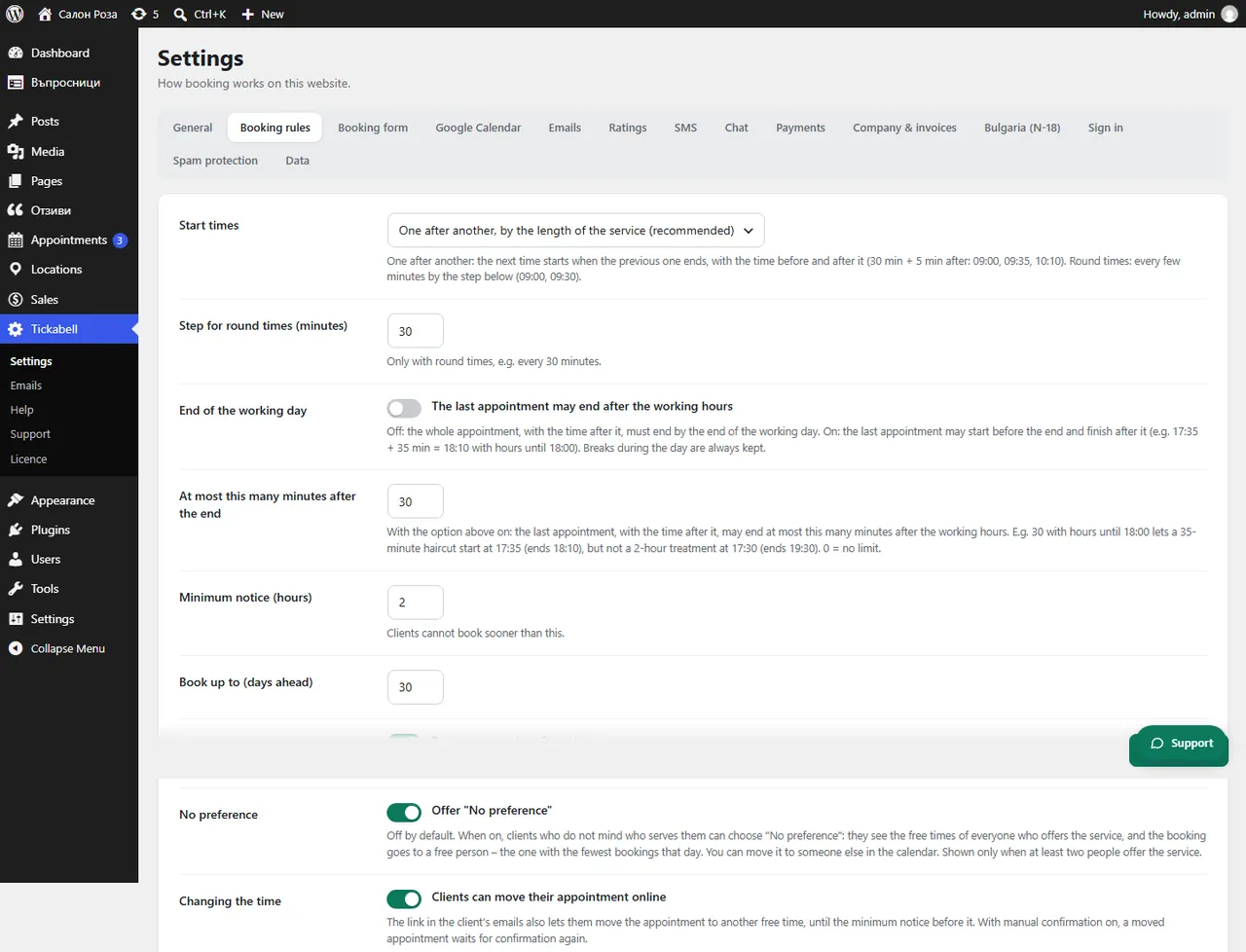
In Tickabell › Settings › Booking rules tick “Let clients attach files (images, PDF)”. Set how many files and how large.
Where: Tickabell›Settings›Booking rules›File uploads
Steps
- Open Tickabell › Settings › Booking rules.
- Under “File uploads” tick “Let clients attach files (images, PDF)”.
- Set “Max files per booking” and “Max file size (MB)”.
- Save.
Good to knowIt is handy for tattoos (an idea for the design), for doctors (test results) and for repairs (a photo of the damage). The files are shown in the booking.
Related articles
Was this article helpful?