

How do I switch the waiting list on or off?
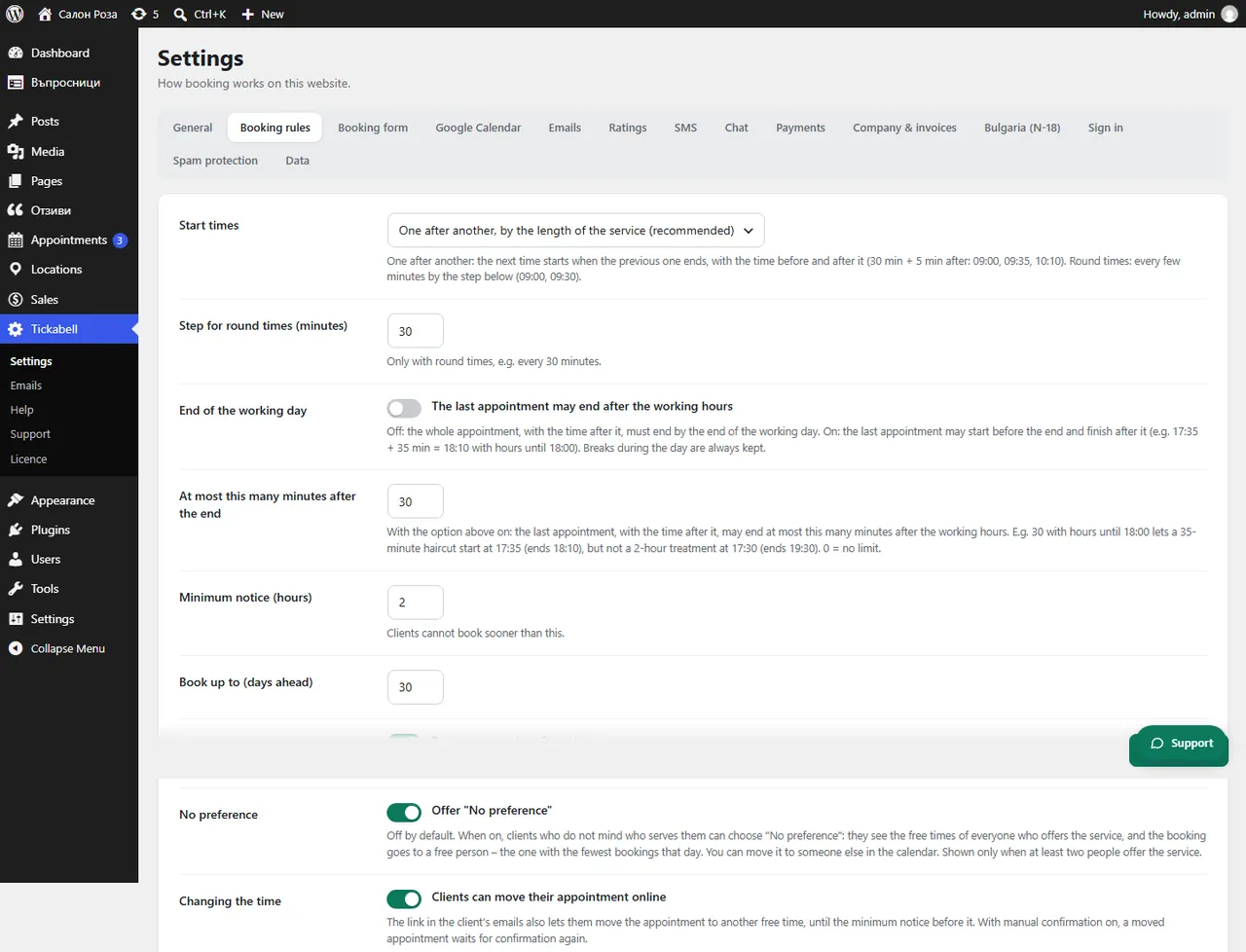
In Tickabell › Settings › Booking rules tick or untick the option that offers “Tell me when a time is free”.
Where: Tickabell›Settings›Booking rules›Waiting list
Steps
- Open Tickabell › Settings › Booking rules.
- Under “Waiting list” tick or untick the option.
- Save.
Related articles
Was this article helpful?