

What are my busiest times?
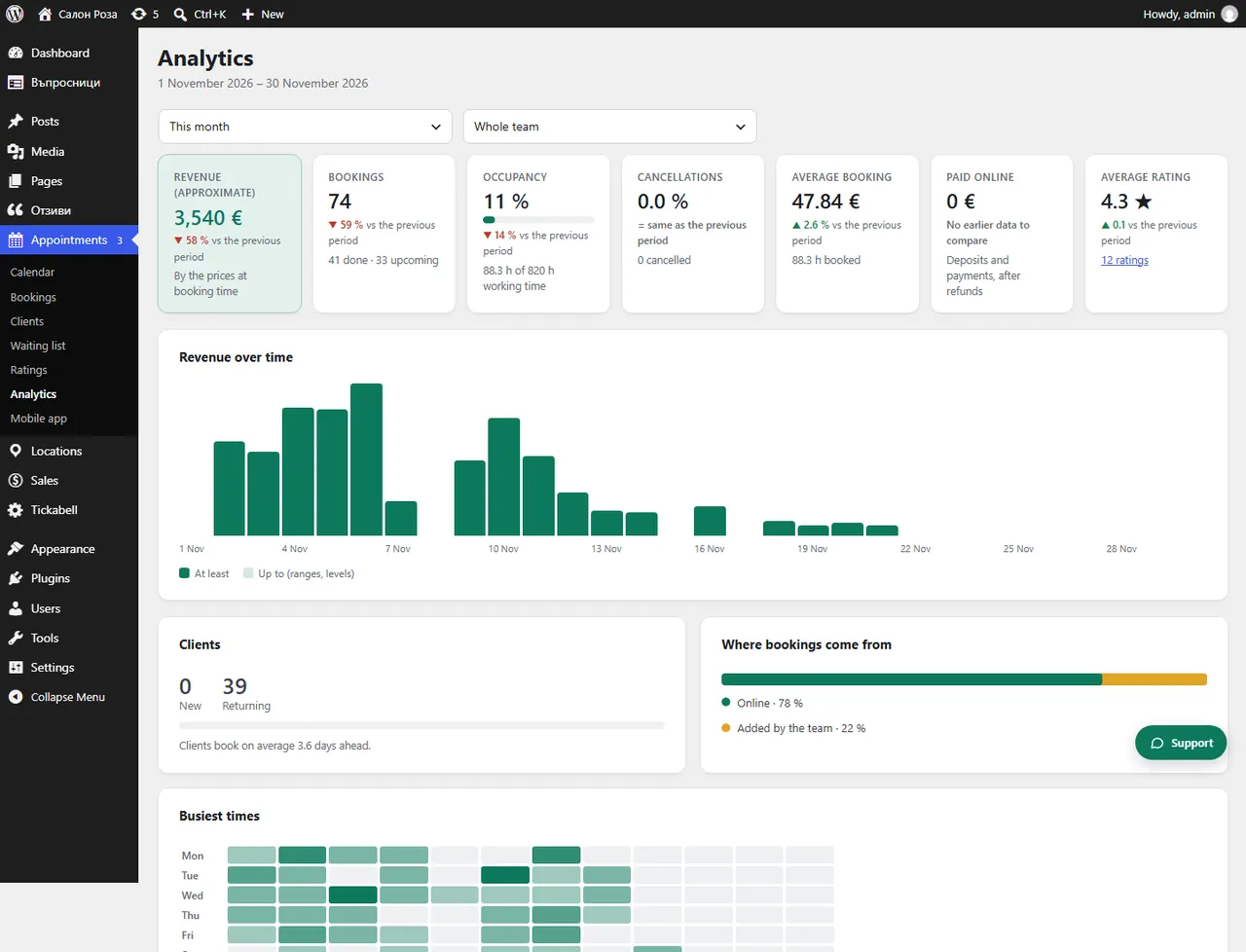
In Appointments › Analytics see “Busiest times”. The darker a square, the more appointments start then.
Where: Appointments›Analytics›Busiest times
Steps
- Open Appointments › Analytics and choose a period.
- In “Busiest times” look at the days of the week and the hours of the day.
Good to knowThis shows you when to have more people on shift and when to offer a discount for the quieter hours.
Related articles
Was this article helpful?