

How do I accept bank transfers?
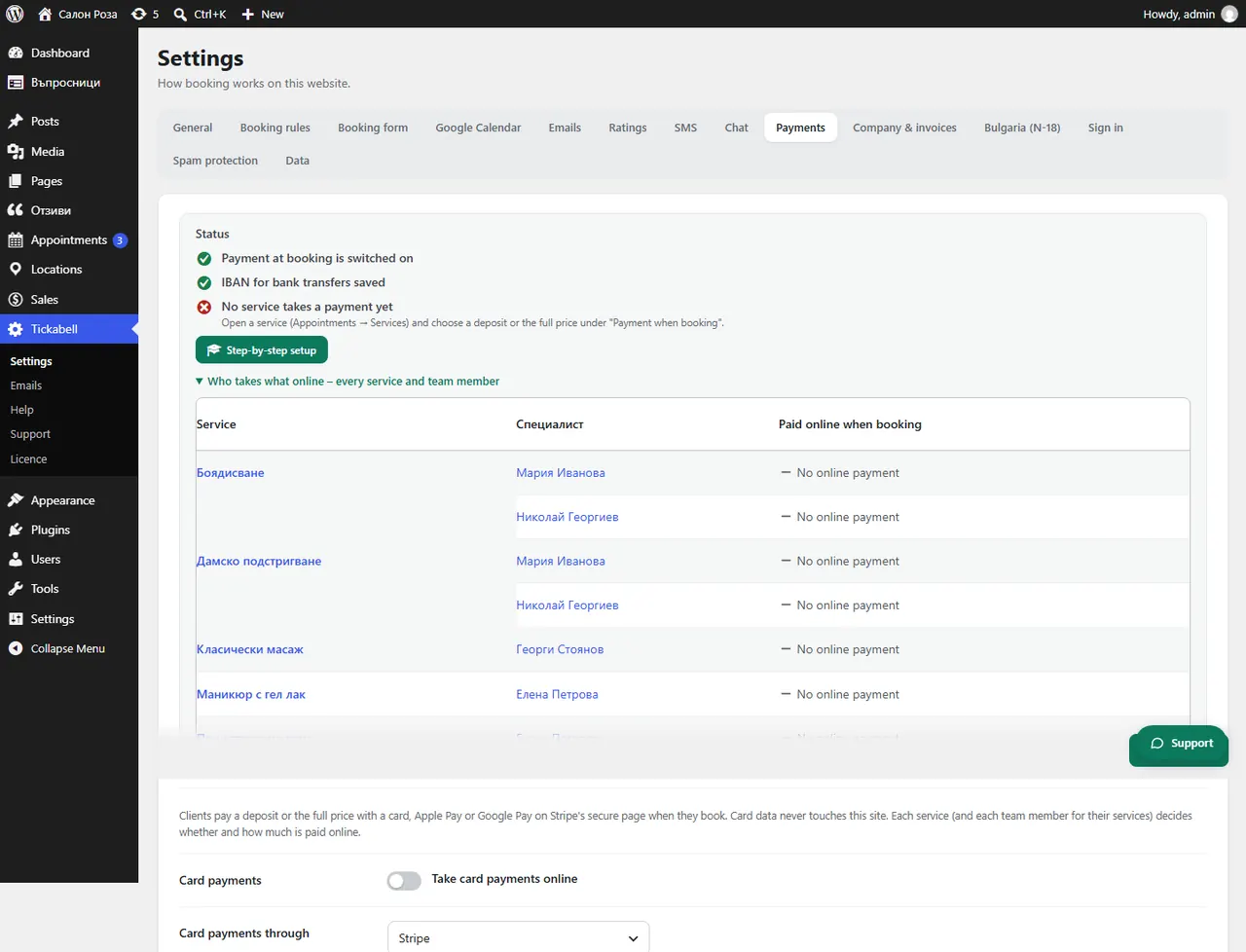
Tick “Accept bank transfers” in Tickabell › Settings › Payments › Bank transfer and enter the IBAN in Company & invoices. The client gets the IBAN and the amount by email, and their appointment is held.
Where: Tickabell›Settings›Payments›Bank transfer
Steps
- Open Tickabell › Settings › Company & invoices and fill in “IBAN” and “Bank”.
- Open Payments and tick “Accept bank transfers”.
- In “Days to pay” set after how many days an unpaid booking is cancelled. 0 means you decide.
- Save.
Good to knowA client who chooses bank transfer automatically gets a proforma invoice by email. When the money arrives, mark the booking as paid.
Related articles
Was this article helpful?