

Profile pages: the plugin's or in Divi / Elementor?
By default the profiles are shown by the plugin's page: a large photo, the name, buttons, the portfolio and booking. If you want to make the template yourself, choose “Disabled”.
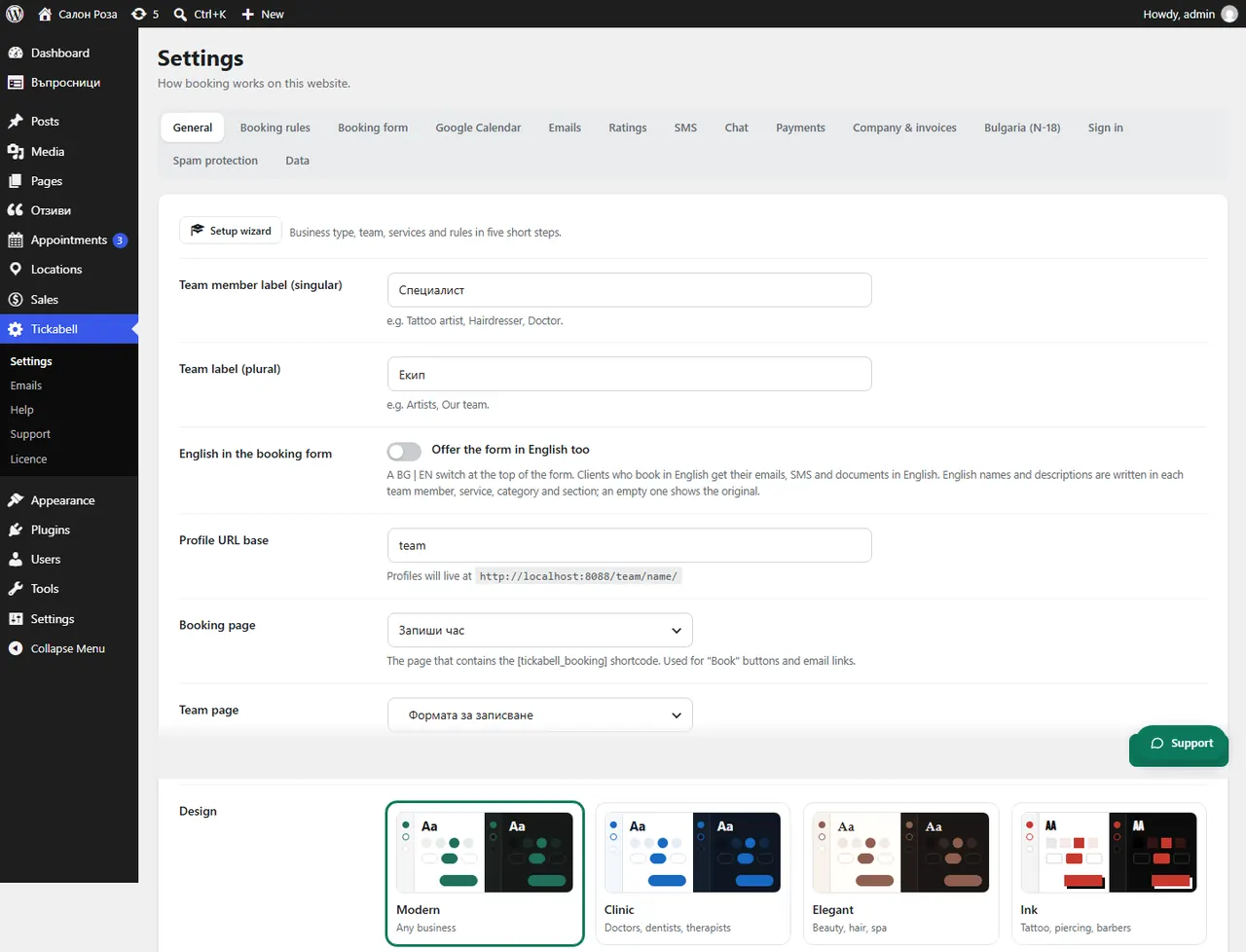
Where: Tickabell›Settings›General›Profile pages
Steps
- Open Tickabell › Settings › General.
- In “Profile pages” keep the plugin's page (recommended) or choose “Disabled”.
- With “Disabled”, make the template in your theme with the shortcodes and
provider="current". - In “Profile URL base” you can change that part of the address, for example /team/.
Good to know“Team & booking pages” gives the form the full width in classic themes such as Divi and Astra. Block themes such as Twenty Twenty-Five always keep their own templates.
Related articles
Was this article helpful?