

How do I add my own questions to the form?
In Tickabell › Settings › Booking form press “Add a question”. A question can be for all services or only some, and it can be required.
Where: Tickabell›Settings›Booking form›Your questions
Steps
- Open Tickabell › Settings › Booking form and press “Add a question”.
- Write the question.
- In “Answer” choose the type: short text, longer text, a choice from a list, buttons, tick boxes, yes / no, a date or a consent.
- For a choice, write the options, one per line.
- Tick “Required” if the client must answer.
- Tick the services the question is for. With nothing ticked, the question is for all services.
- Save.
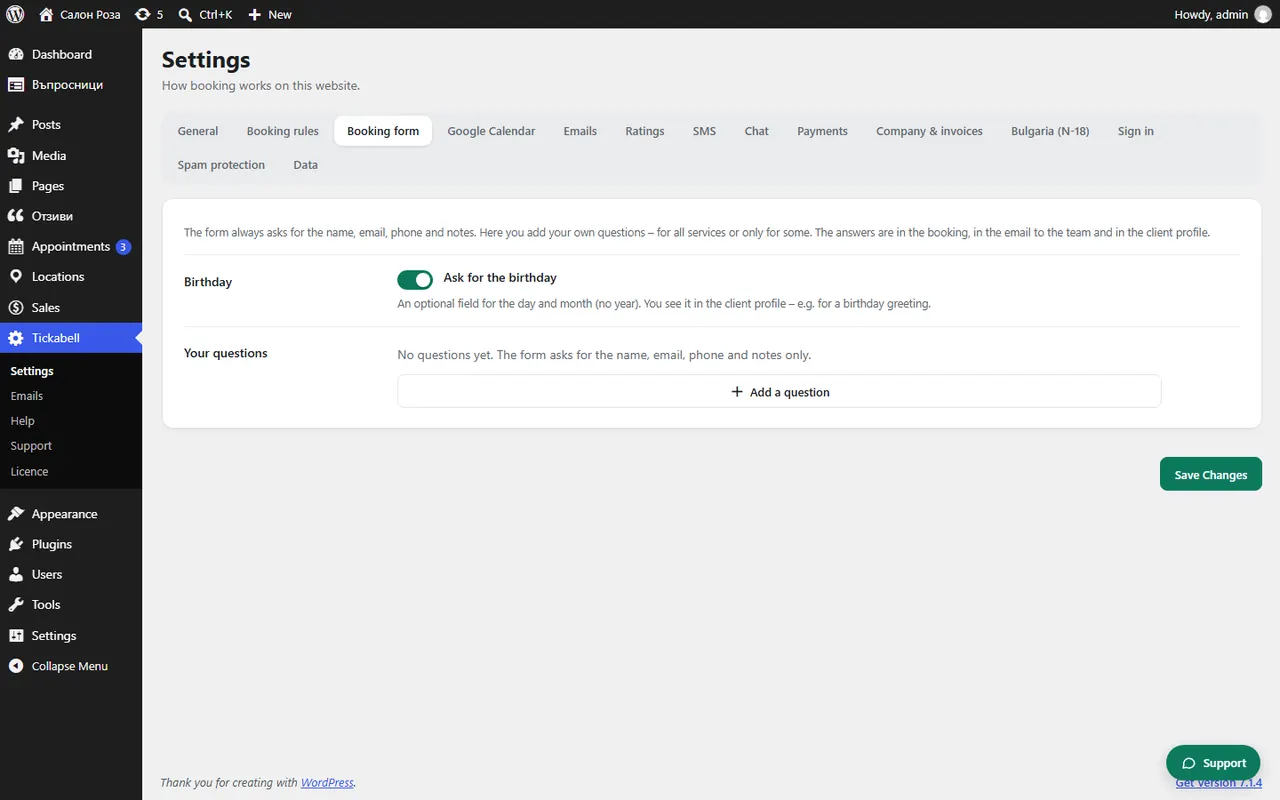
Good to knowThe form always asks for name, email, phone and notes. The answers are shown in the booking, in the email to the team and in the client's profile.
Related articles
Was this article helpful?