

How does the team log in?
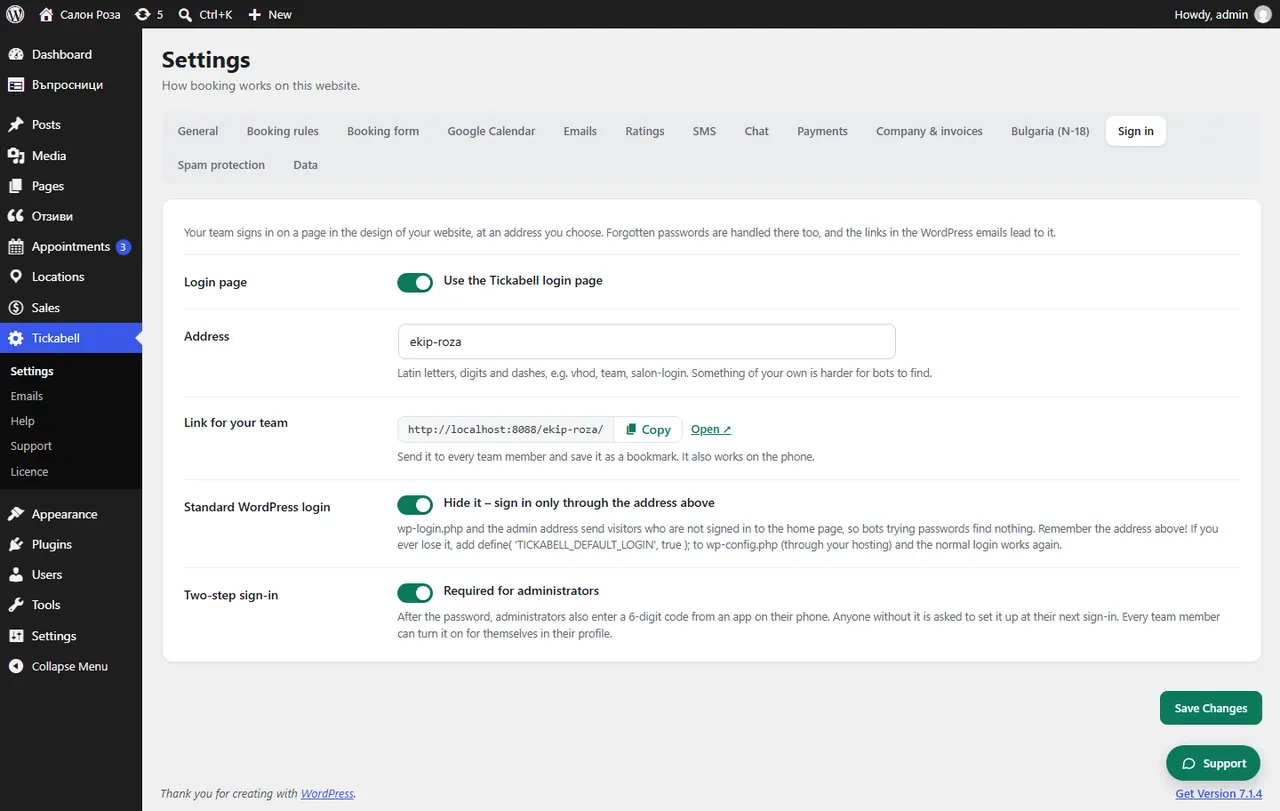
The team logs in through the login page in the website's design. Copy the “Link for your team” from Tickabell › Settings › Sign in and send it to each team member.
Where: Tickabell›Settings›Sign in›Link for your team
Steps
- Open Tickabell › Settings › Sign in.
- Next to “Link for your team” click “Copy”.
- Send the link to the team. Ask them to bookmark it. It works on a phone too.
Good to knowA forgotten password is also reset on the same page. Each team member sees only their own appointments, unless they are a manager.
Related articles
- How do I give a team member a login to the system?
- How do I change the login address?
- Who sees what: administrator, manager, team member
Was this article helpful?