

How do I add an online meeting link to an appointment?
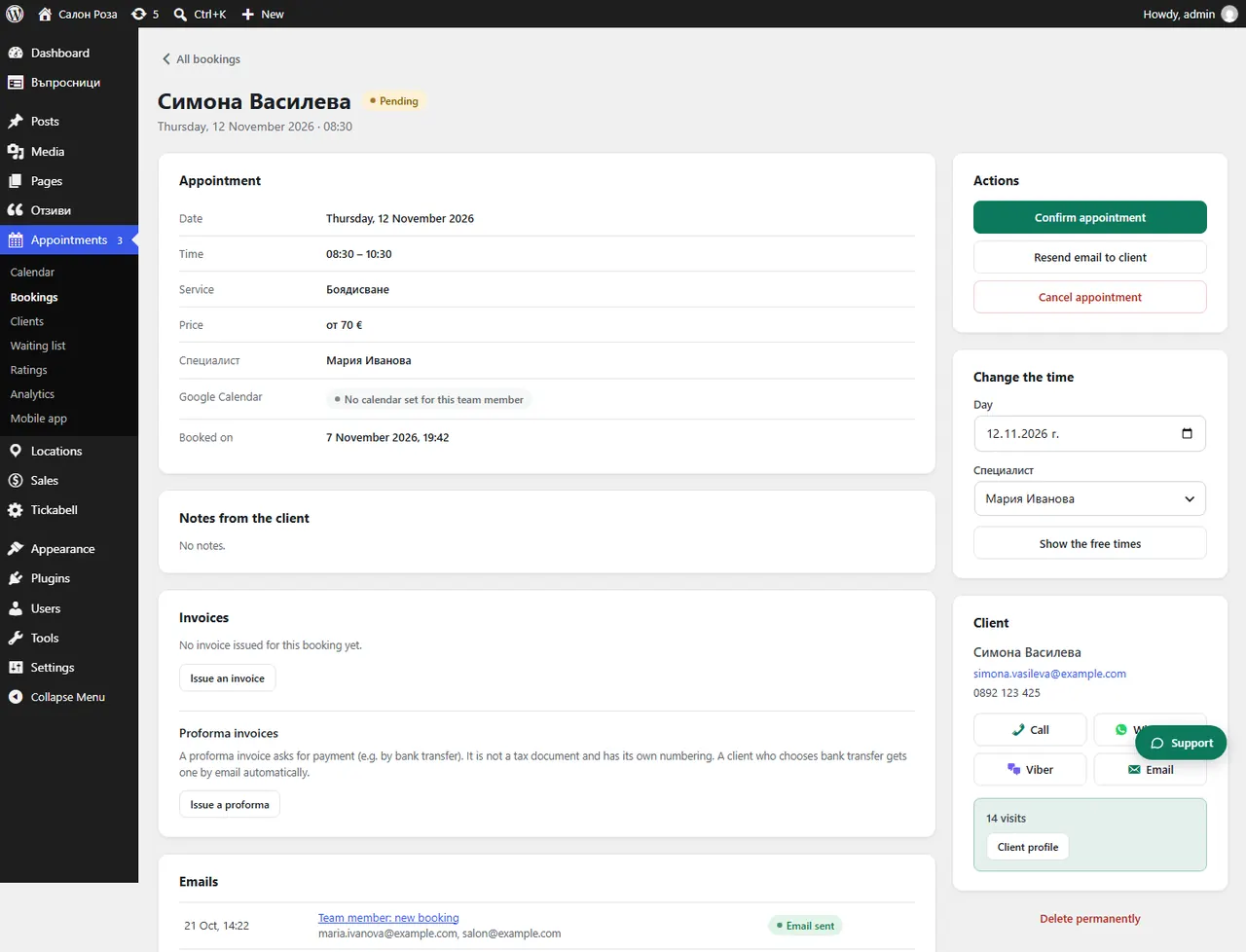
Open the appointment and paste the link in “Meeting link”. The client gets the link by email as soon as you save it.
Where: Appointments›Bookings›(booking)›Meeting link
Steps
- Open the appointment from Appointments › Bookings.
- In “Meeting link” paste the link from Teams, Zoom or Google Meet.
- Press “Save”. The client gets an email with the link.
Good to knowIf a team member has a fixed link, enter it once in their profile: “Online meeting link”. Online appointments without a link are shown on the Dashboard, under “Waiting for action”.
Related articles
Was this article helpful?