

How early and how late can clients book?
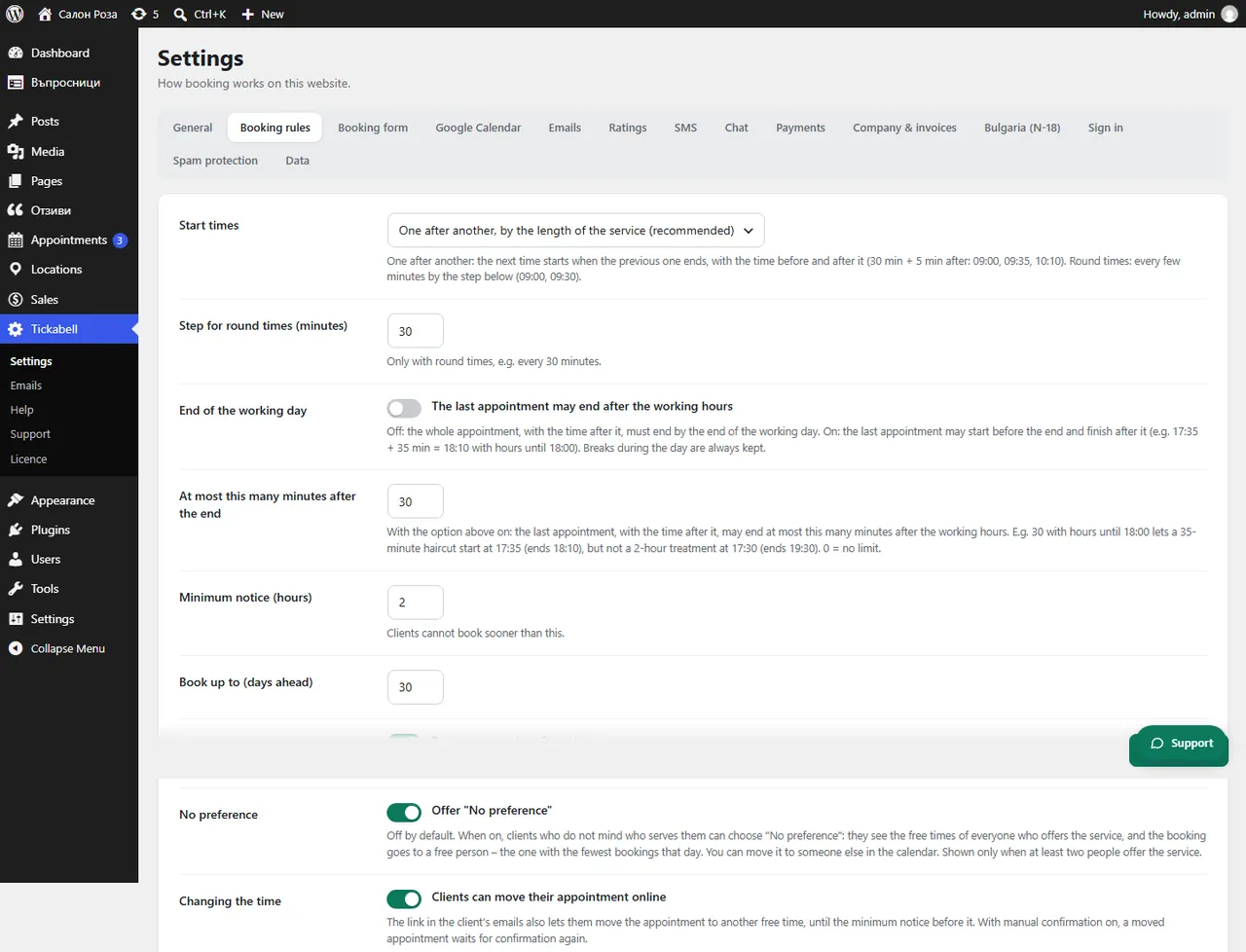
In Tickabell › Settings › Booking rules set “Minimum notice (hours)” and “Book up to (days ahead)”.
Where: Tickabell›Settings›Booking rules
Steps
- Open Tickabell › Settings › Booking rules.
- In “Minimum notice (hours)” set at least how many hours before the appointment a client can book, for example 2.
- In “Book up to (days ahead)” set how many days ahead the free times are shown, for example 60.
- Save.
Good to knowThe minimum notice also applies when the client moves or cancels.
Related articles
- How do I let clients move or cancel their appointment themselves?
- How many minutes apart should the start times be?
Was this article helpful?