

How does a team member get email notifications?
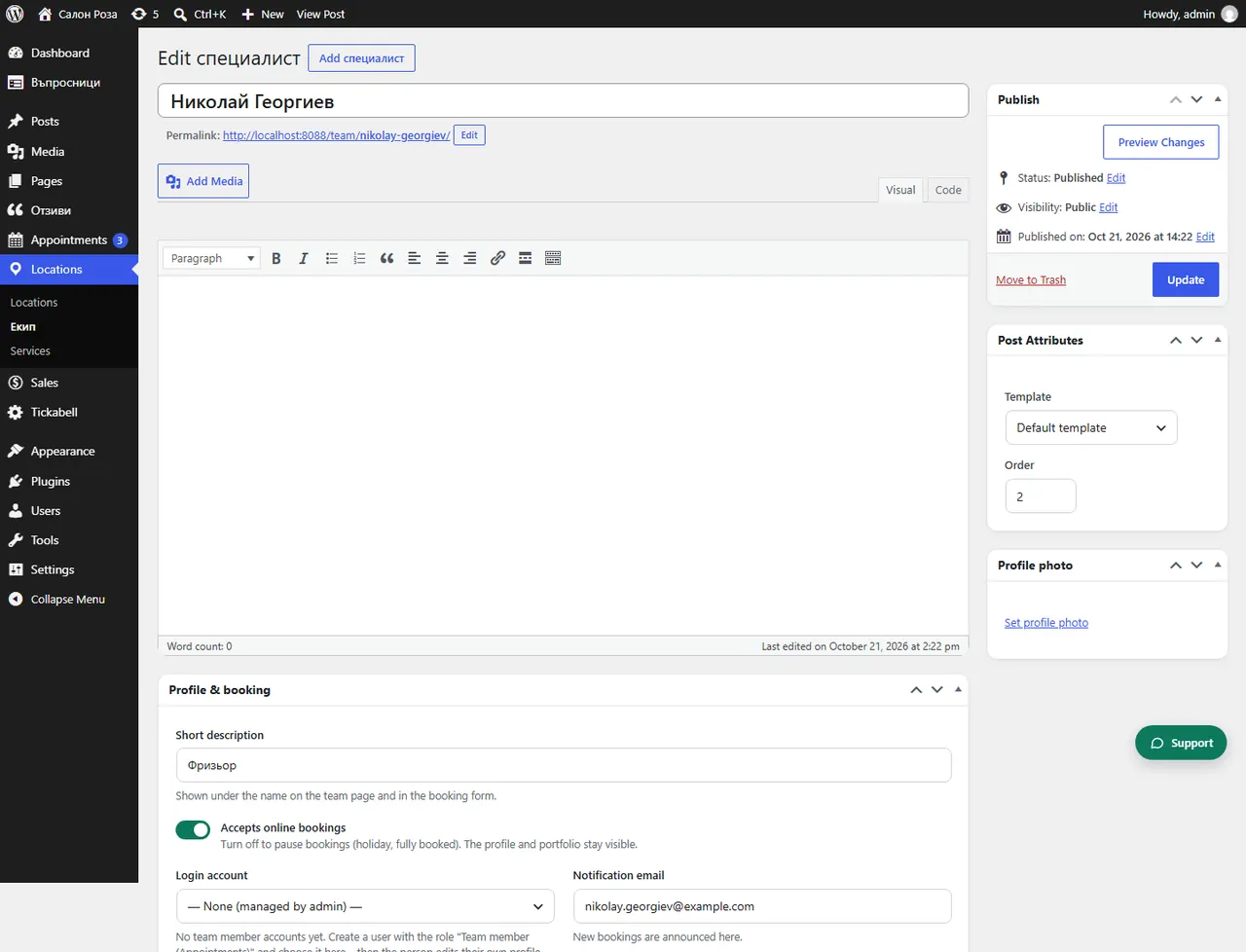
Notifications about new bookings go to the email in “Notification email” in their profile. If the field is empty, they go to the email of the login account.
Where: Locations›Team›(team member)›Profile & booking›Notification email
Steps
- Open Locations › Team and the person.
- In “Notification email” enter the email where they want to get the notifications.
- Save.
Good to knowNotifications on the phone arrive even faster: connect the mobile app.
Related articles
Was this article helpful?