

How do I see which emails have been sent?
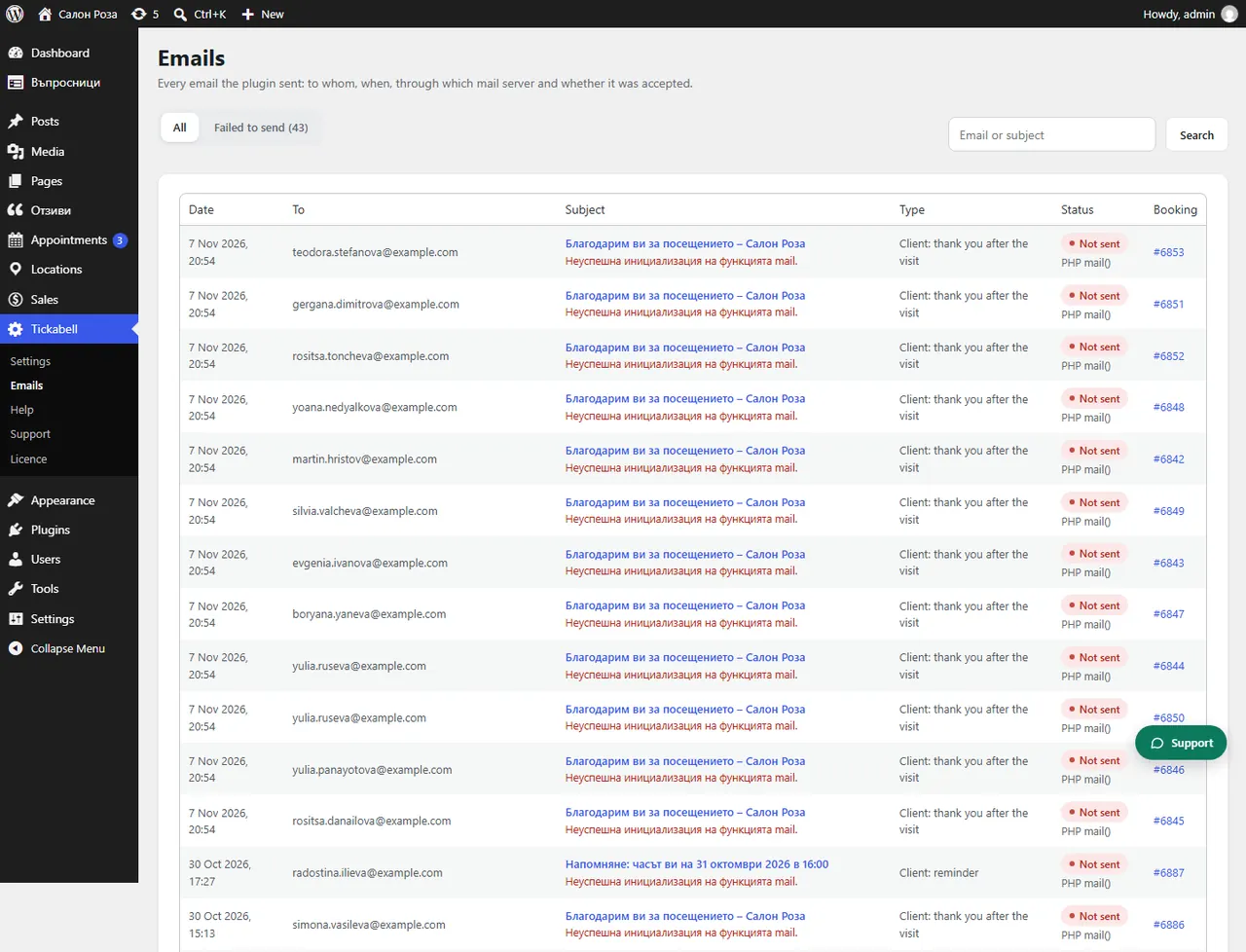
Tickabell › Emails lists all emails and SMS from the plugin: to whom, when, through which mail server and whether they were accepted. You search by email or subject.
Where: Tickabell›Emails
What is here
- The list: date, recipient, subject, type, status and booking.
- Status: sent or not sent.
- The entry: you open it and see the content, the delivery, the error and “Sent through”.
- Send again: sends the same email once more.
Good to knowSent means the mail server accepted the email. Whether it reached the inbox or the spam folder only your mail service can show. The content of the emails is kept for a set number of days; the delivery details stay.
Related articles
Was this article helpful?