

How do I enter the licence?
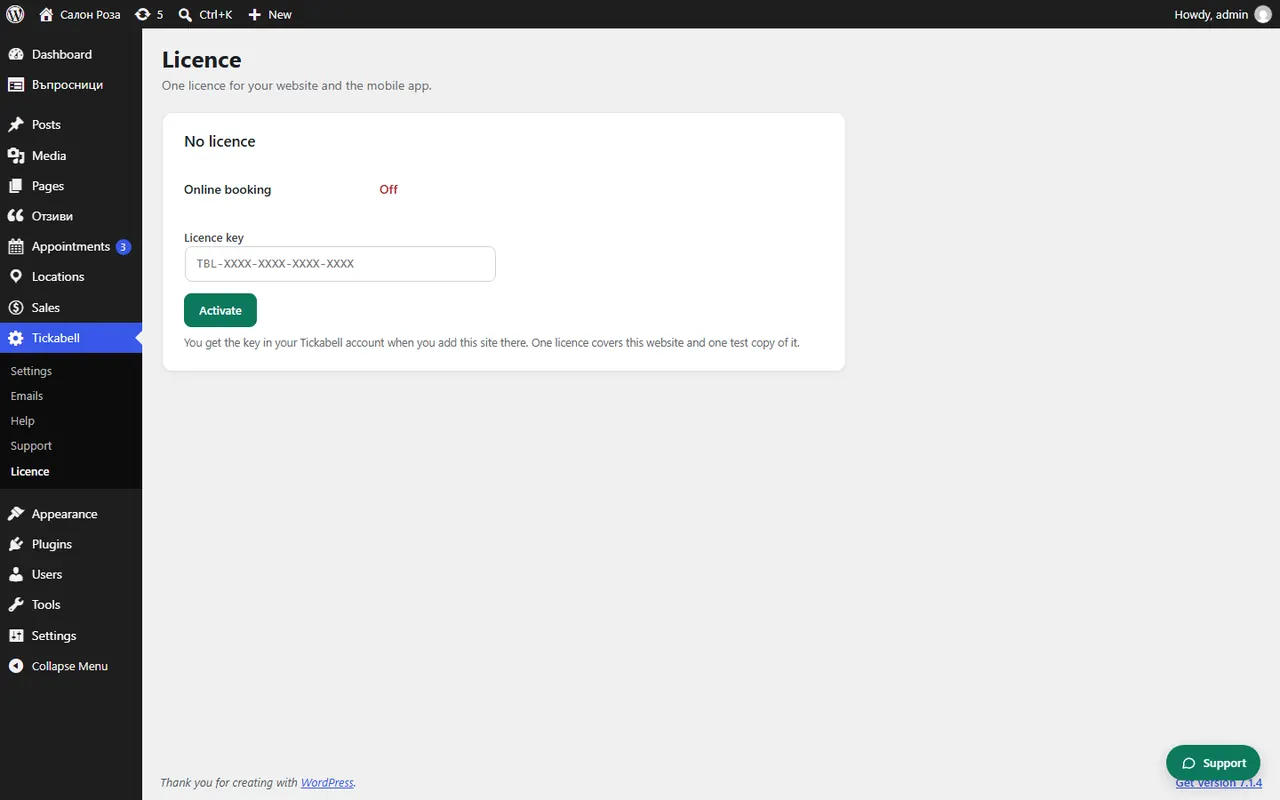
Paste the key from the portal in Tickabell › Licence and press “Activate”. The 14-day trial starts at that moment.
Where: Tickabell›Licence
Steps
- In the clients.tickabell.com portal open Websites and copy the website's key.
- In WordPress open Tickabell › Licence.
- Paste the key in the “Licence key” field and press “Activate”.
- The status becomes “Trial” or “Active”.
Good to knowOne licence is for one website and the mobile app that goes with it. If you move the website to a new address, press “Release this site” and enter the key at the new address.
Related articles
Was this article helpful?