

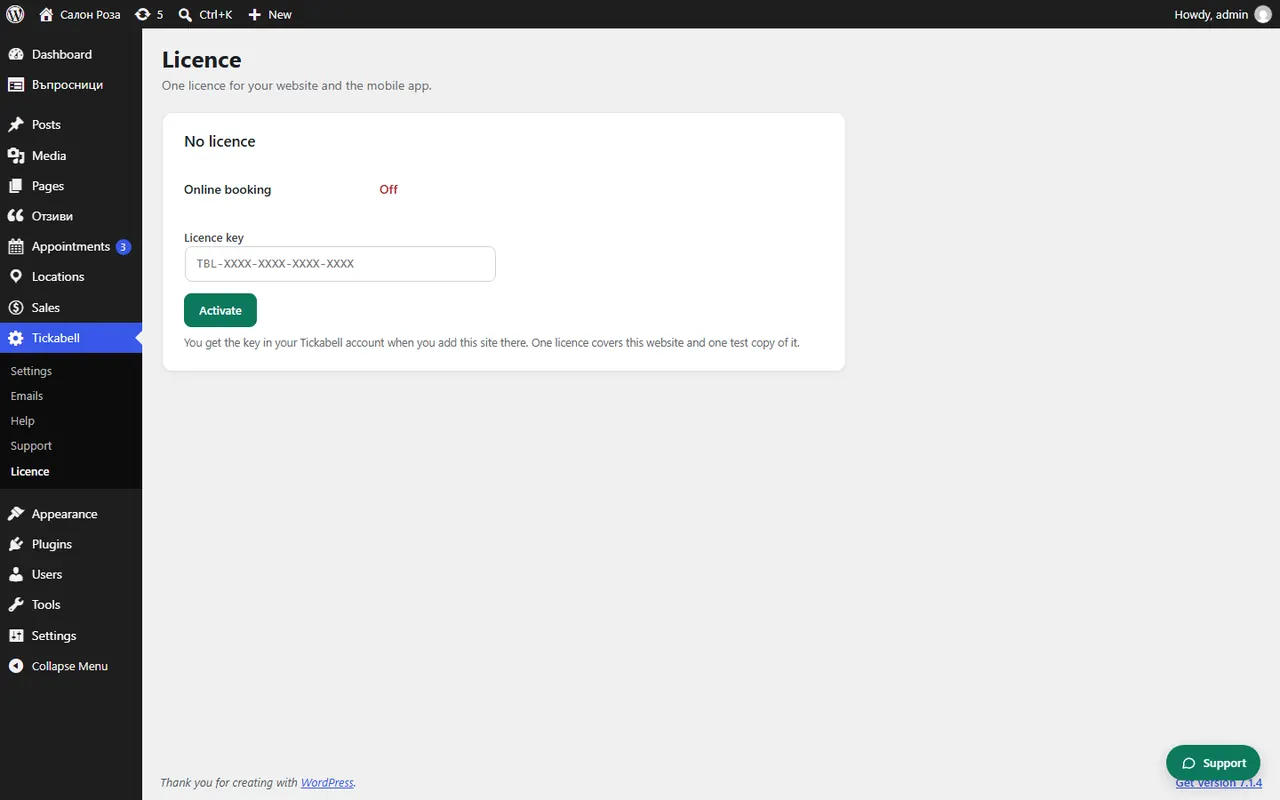
The licence shows “No licence”
The website does not have an activated key yet. Take the key from the portal, in “Websites” › “Key and plugin”, and paste it in Tickabell › Licence.
Where: Tickabell›Licence
Steps
- Log in to clients.tickabell.com and open “Websites”.
- If the website is not there, click “Add website”.
- Click “Key and plugin” and copy the key.
- In WordPress open Tickabell › Licence, paste it in “Licence key” and click “Activate”.
Good to knowIf the key is activated on another website, first click “Release this site” there. If it says there has been no connection to Tickabell for a while, the website works with the last known licence, and “Check again” tries at once.
Related articles
- How do I connect my website to the portal?
- How do I move the licence to another website?
- How do I enter the licence?
Was this article helpful?