

How do I block time?
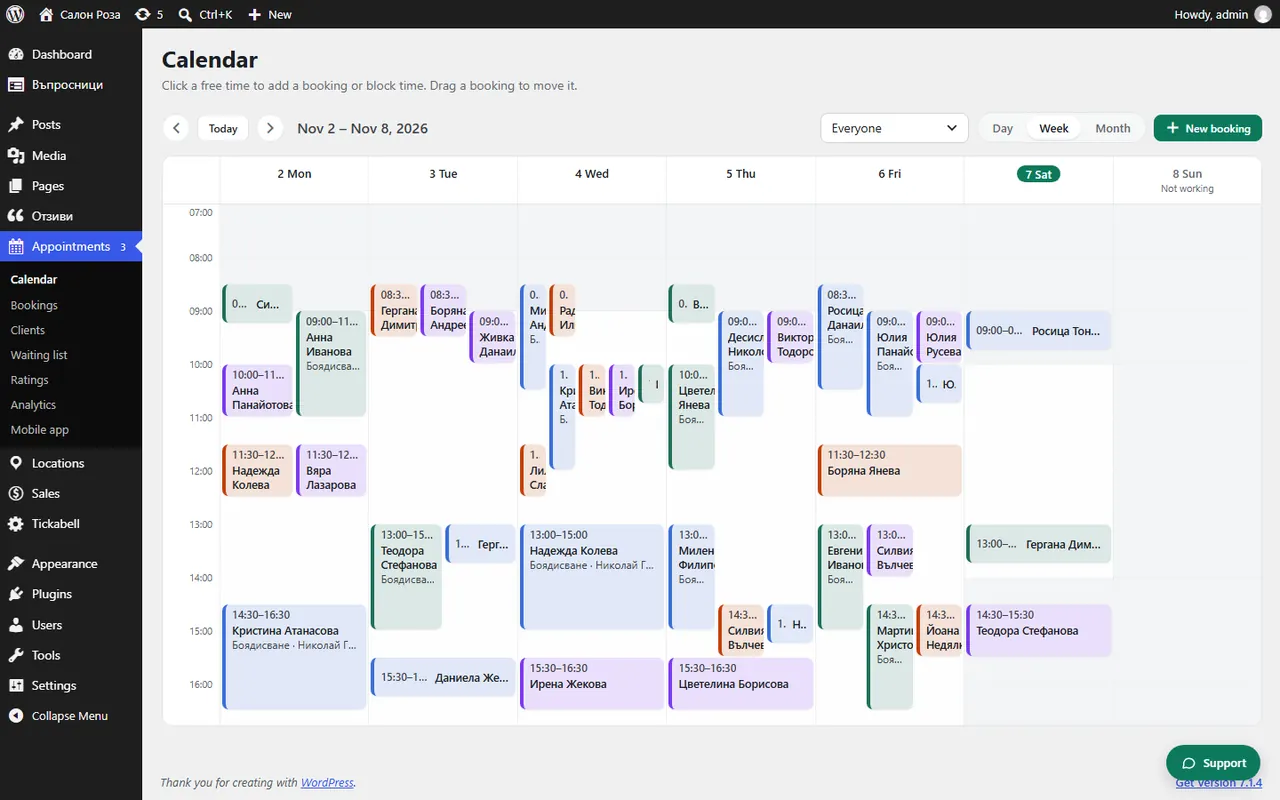
Click a free time in the calendar and choose “Block time”, or drag the mouse over the free slots. Nobody can book in blocked time.
Where: Appointments›Calendar›Block time
Steps
- Open Appointments › Calendar and click a free time. You can also drag the mouse over several free slots.
- At the top of the window choose “Block time”.
- Set “From” and “Up to”, or tick “Whole day”.
- If you like, write a reason, for example “holiday” or “doctor”. Only the team sees it.
- Press “Save”.
Good to knowTo remove the block, click it and choose “Remove block”. For a holiday of several days it is easier to enter it in the person's profile, under “Days off & holidays”.
Related articles
Was this article helpful?