

How do I add a service?
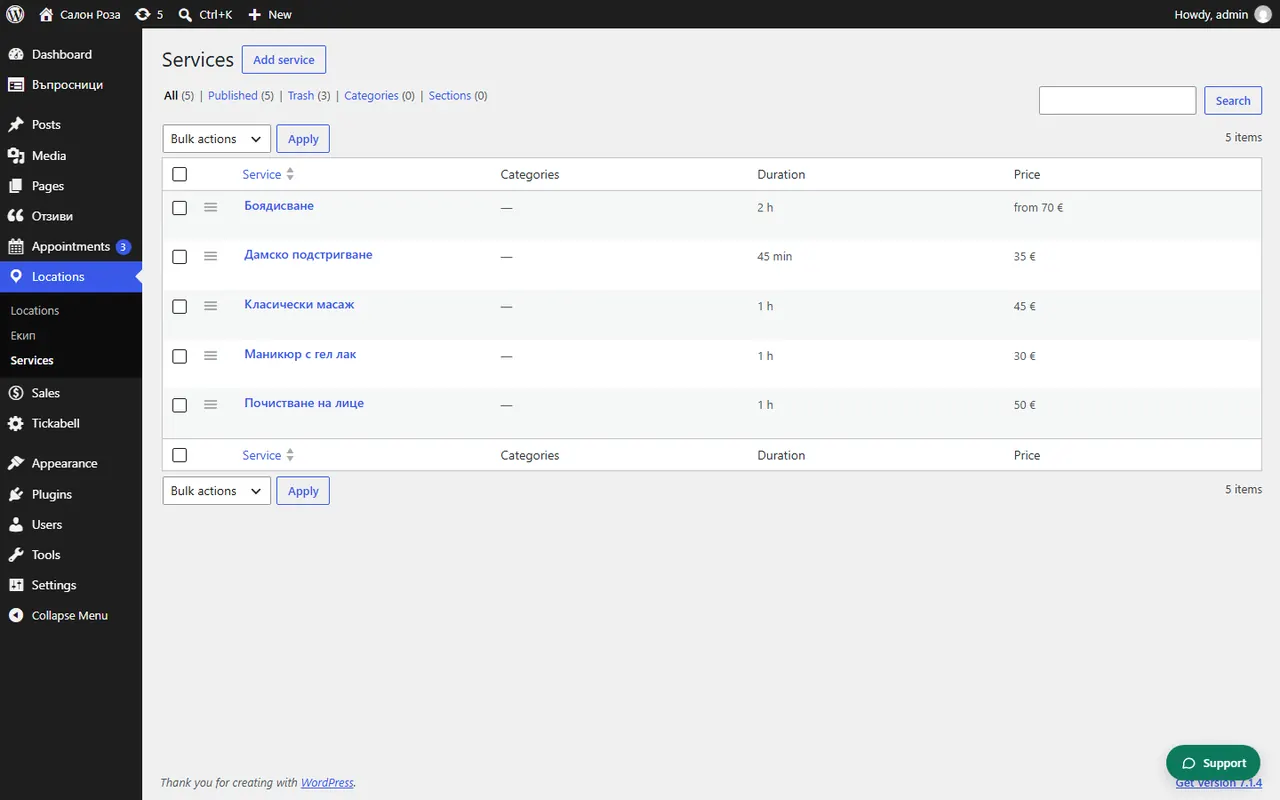
In Locations › Services press the add button at the top, write the name and fill in “Service details”: how it is booked, the price, the duration and who offers it.
Where: Locations›Services
Steps
- Open Locations › Services and press the add button at the top.
- Write the name of the service, for example “Women's haircut”.
- In “Short description” write one or two sentences. They are shown under the name in the form.
- Choose “How is it booked?” and “Where does it take place?”.
- Fill in “Price” and “Duration (minutes)”.
- Under “Team” tick who offers the service.
- Press “Publish”.
Good to knowFor long lists, make copies: in the list of services you can duplicate a service and change only the name and the price.
Related articles
- Which type of service should I choose: fixed duration, by the hour, whole day, on site?
- How do I set the price and the duration?
- What are categories and sections?
Was this article helpful?