

The card payment does not go through
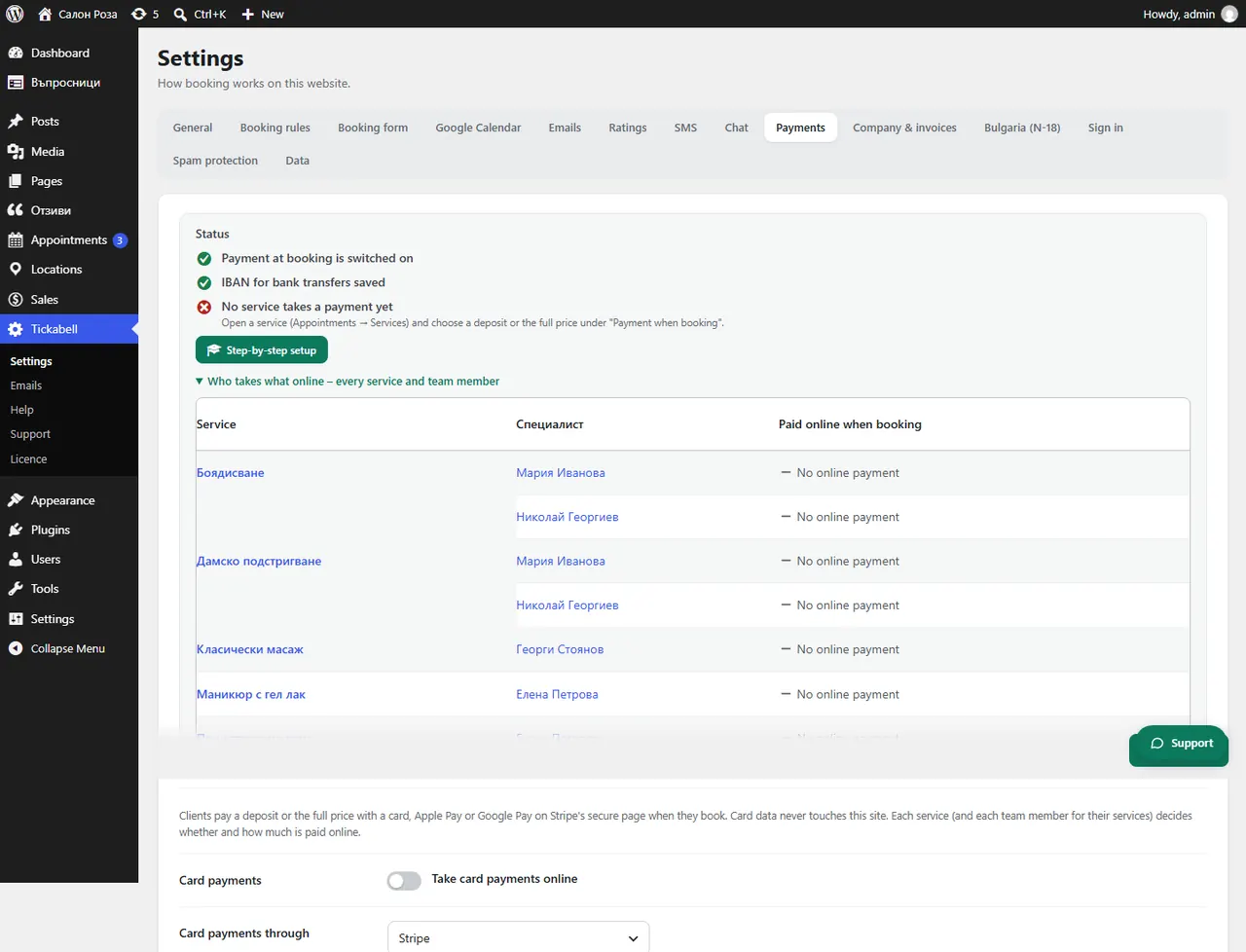
Most often the keys or the webhook are from different modes, test and live, or the details for Ordinance N-18 are missing. Check them in Tickabell › Settings › Payments.
Where: Tickabell›Settings›Payments
Steps
- Check the “Mode”: in test mode only test cards work, and in live mode only real ones.
- Check that the key and the webhook secret are for the same mode.
- Check the “Currency code”, for example EUR. It must match the currency of the prices.
- If it says “Card payments through the site are paused (Ordinance N-18).”, fill in the missing details in Bulgaria (N-18) and in Company & invoices.
- With BORICA check the terminal number, the keys and whether the bank has confirmed live mode.
Good to knowIf the client says their card was declined, the cause is usually at their bank: a limit, 3D Secure or online payments switched off.
Related articles
Was this article helpful?