

How do I set the price and the duration?
In the service choose “Price type” and enter the amount, then “Duration (minutes)”. The price can be fixed, “from”, a range or on request.
Where: Locations›Services›(service)›Service details
What is here
- Fixed: one price, for example €35.
- From: the lowest price, for example “from €70”.
- Range: from – to, for example €70 – €120.
- On request: no amount. In “Price note” explain, for example “final price after a consultation”.
- Not shown: the price is not visible in the form.
- Duration (minutes): how long the appointment is. “Time before”, “Time after” and “Reserve (minutes)” are added to the busy time without the client seeing them.
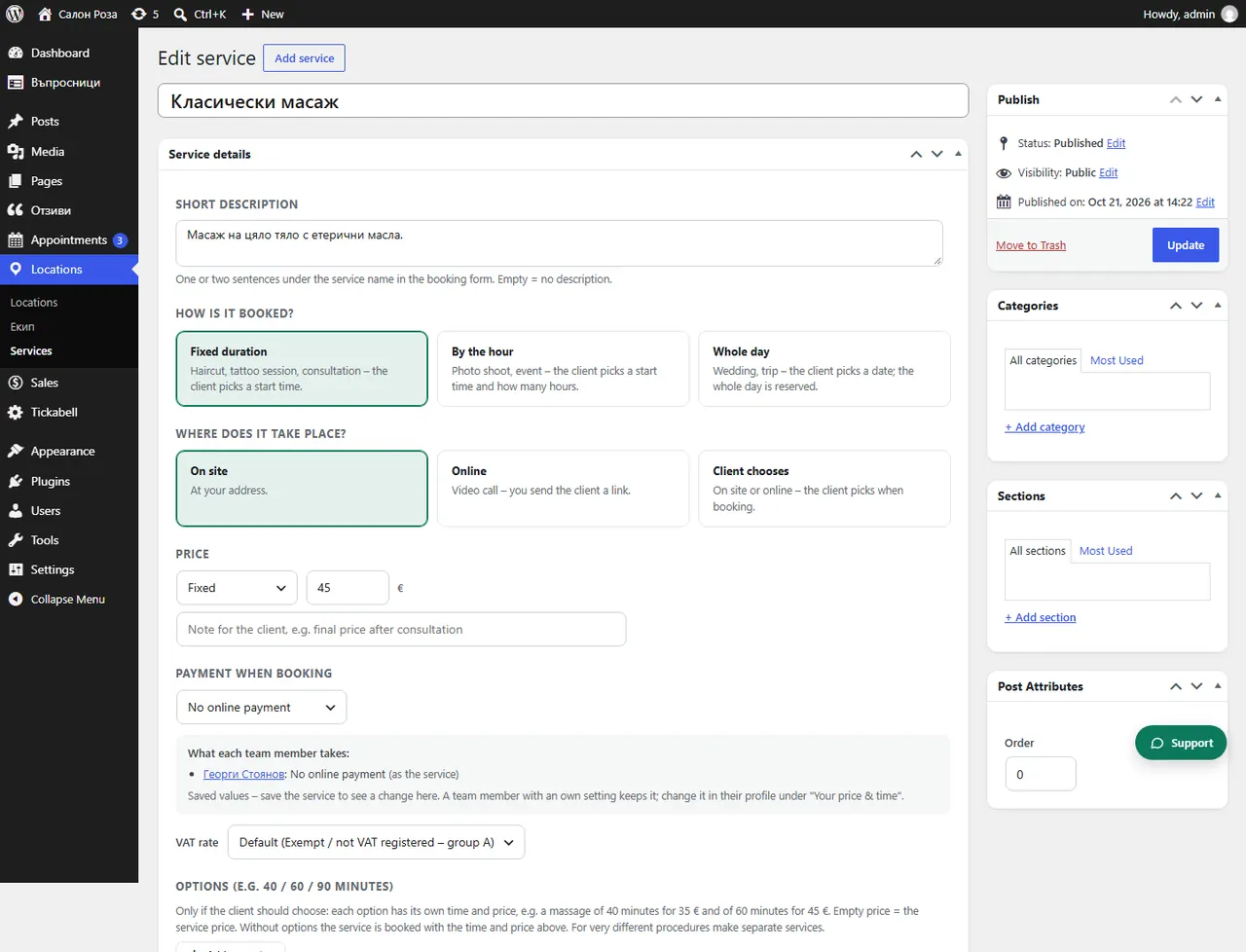
Good to knowEach team member can have their own price and time for the service, in their profile, under “Your price & time”. At the bottom of the service you see what each team member charges.
Related articles
- How do I give a team member their own price or duration?
- What are “Time before” and “Time after”?
- What are options, for example short, medium and long hair?
Was this article helpful?