

How do I run the setup wizard again?
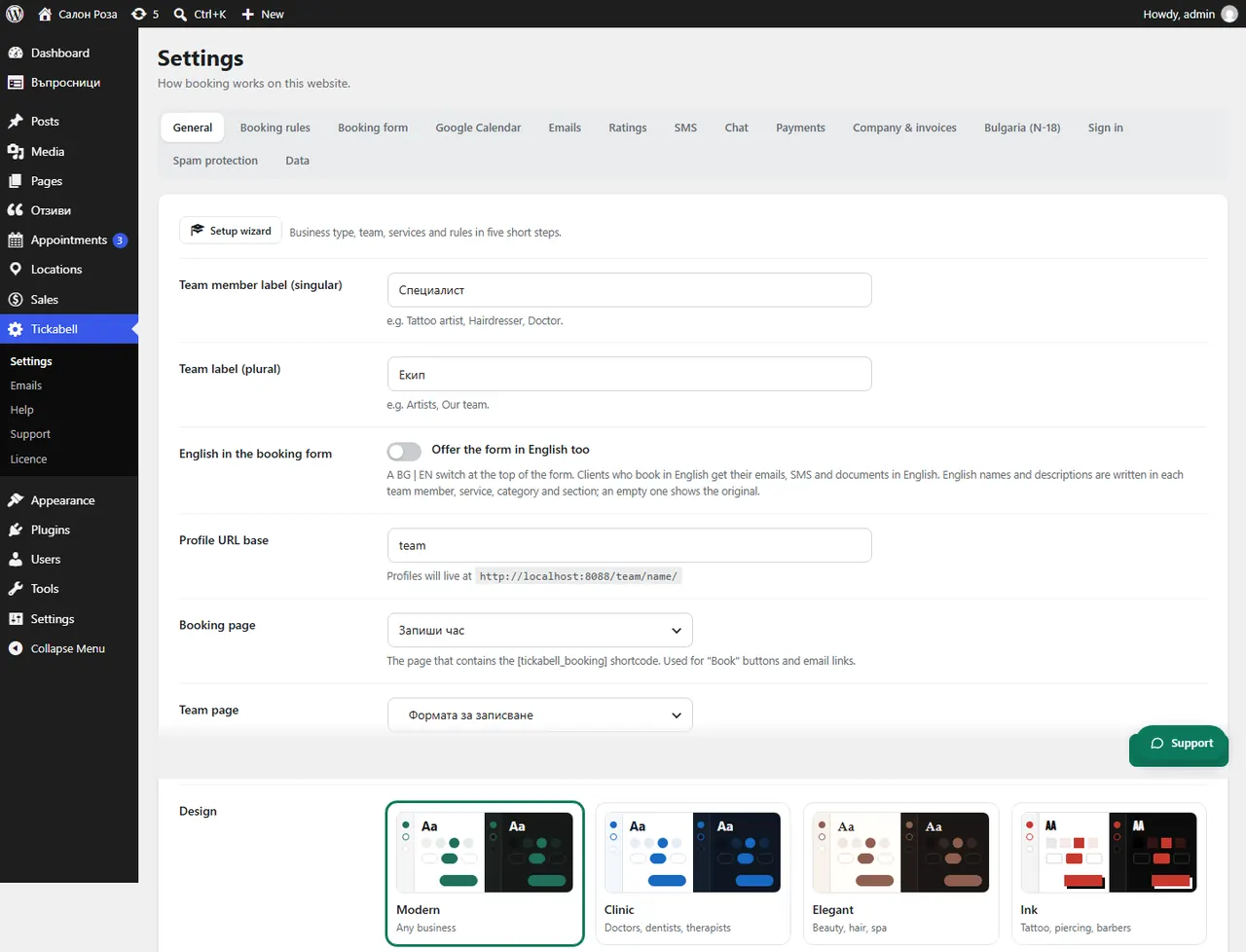
In Tickabell › Settings › General press “Setup wizard”. What you have set up so far stays.
Where: Tickabell›Settings›General›Setup wizard
Steps
- Open Tickabell › Settings, the General tab.
- Press “Setup wizard” at the top.
- Go through the steps and change only what you want.
Related articles
Was this article helpful?