

How do I move an appointment by dragging it?
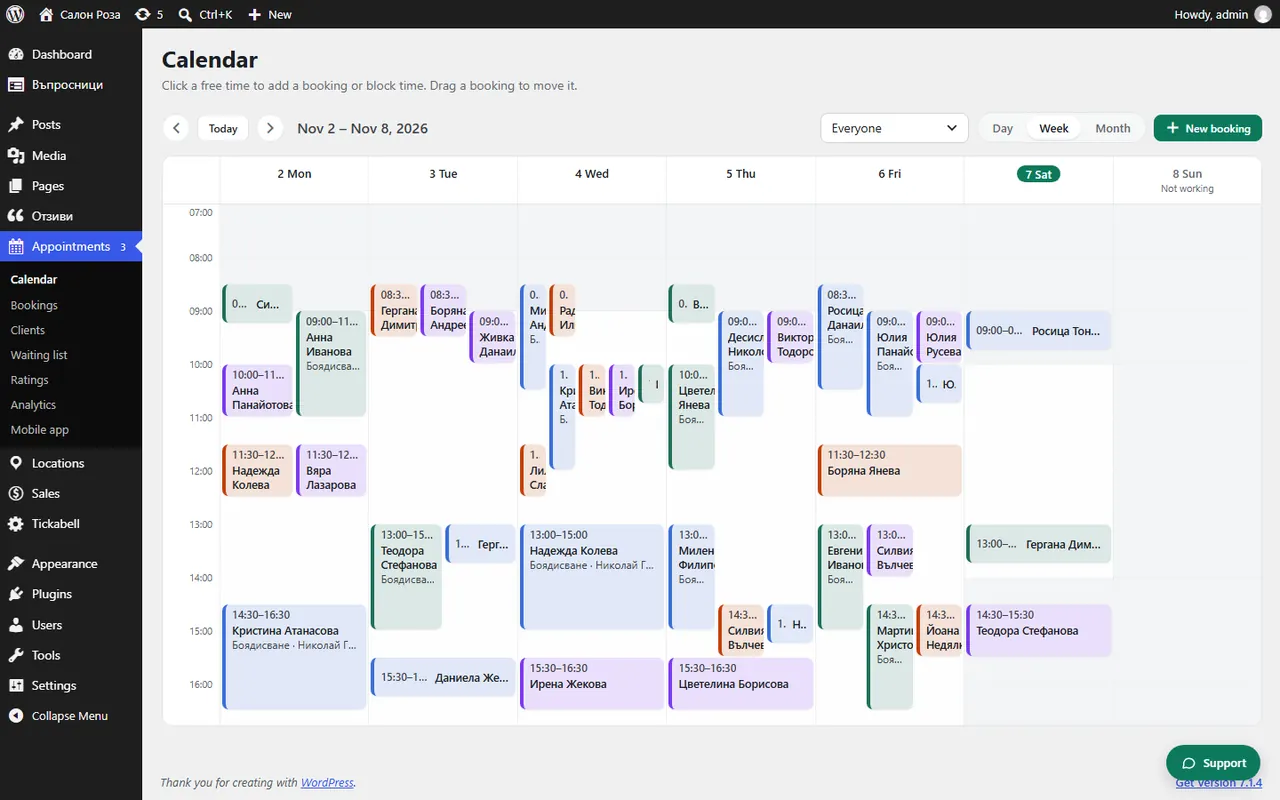
Pick up the appointment in the calendar and drop it in its new place. Before it is moved, the system asks you to confirm.
Where: Appointments›Calendar
Steps
- In Appointments › Calendar pick up the appointment with the mouse.
- Drop it on the new day and time. You can also drop it in another person's column.
- Confirm with “Move”.
Good to knowIf the new place is taken, you can still move it with “Move anyway (overlap)”. If the appointment belongs to a series of repeating appointments, you choose “Only this one” or “This and the following”.
Related articles
Was this article helpful?