

How do I connect my phone?
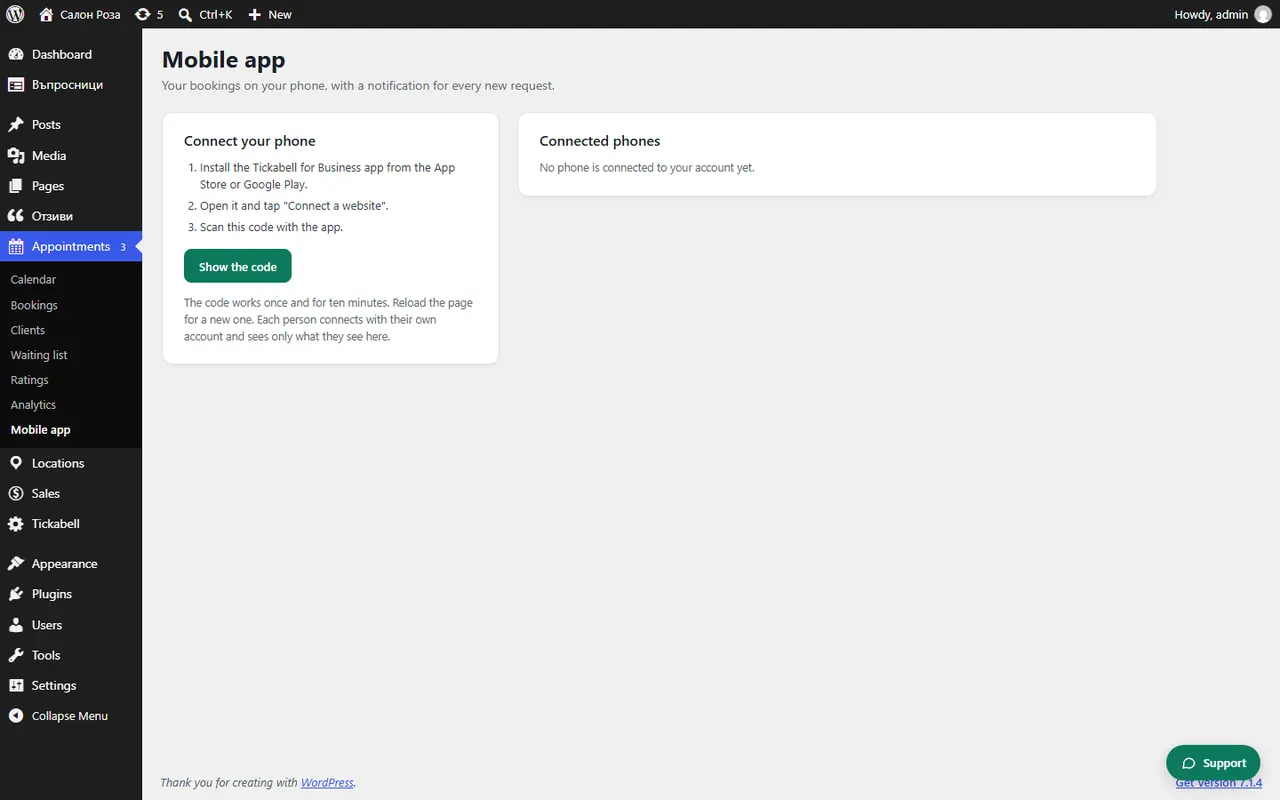
In WordPress open Appointments › Mobile app and click “Show the code”. In the app tap “Connect a website” and scan the code.
Where: Appointments›Mobile app›Connect your phone
Steps
- On the computer open Appointments › Mobile app.
- Click “Show the code”.
- In the app tap “Connect a website” and allow the camera.
- Point the camera at the code. The app asks “Connect this phone to …?”. Confirm.
Good to knowThe code works once and for ten minutes. Do not show it to anyone and do not share your screen while it is visible. If the code has expired, reload the page for a new one.
Related articles
- How do I connect a team member's phone?
- How do I disconnect a phone?
- The QR code for the app does not work
Was this article helpful?