

How do I disconnect a phone?
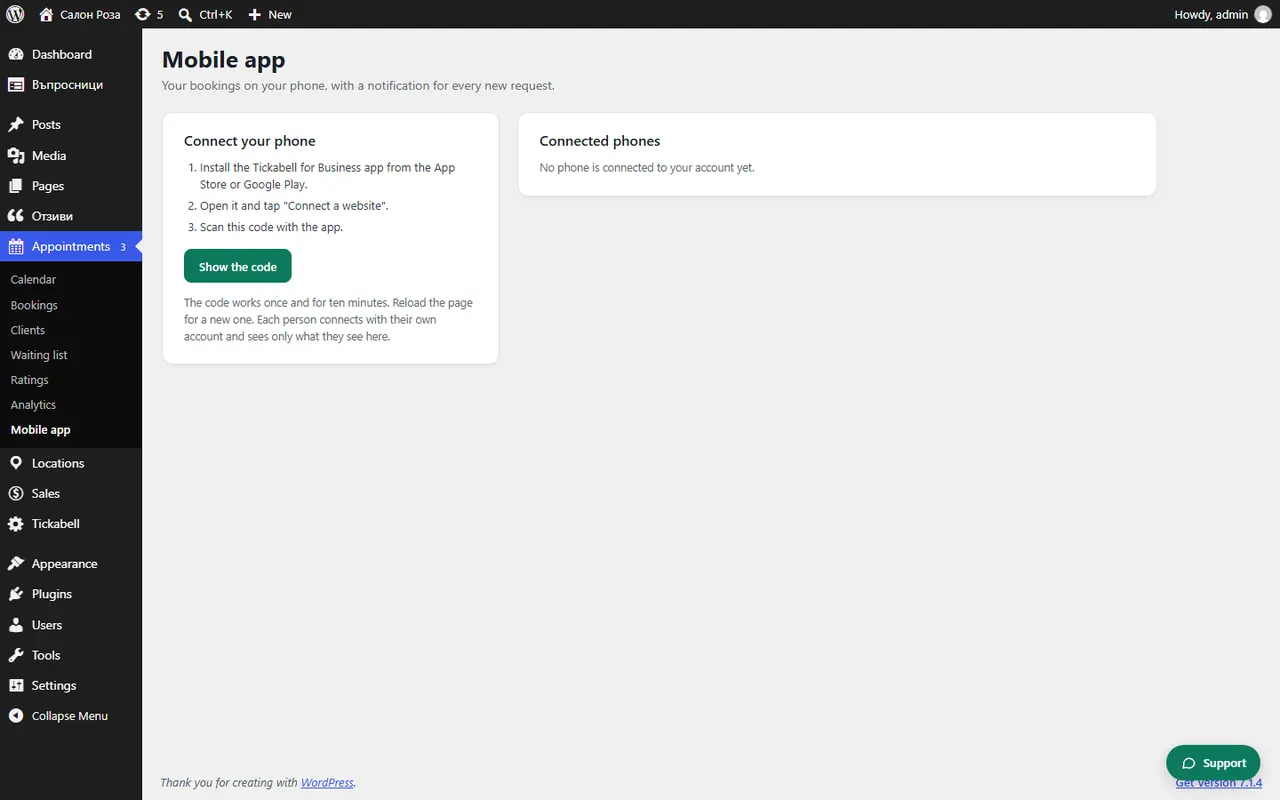
In Appointments › Mobile app, under “Connected phones”, click “Disconnect” next to the phone. On the phone itself you end the connection from Manage › Websites.
Where: Appointments›Mobile app›Connected phones
What is here
- From the website: under “Connected phones” you see each phone, when it was connected and when it was last used. Click “Disconnect”.
- From the phone: in Manage › Websites tap the log-out icon next to the website and confirm “Disconnect”.
Good to knowDisconnect at once a phone that is lost or belongs to someone who no longer works with you.
Related articles
Was this article helpful?