

How do I choose which team members offer the service?
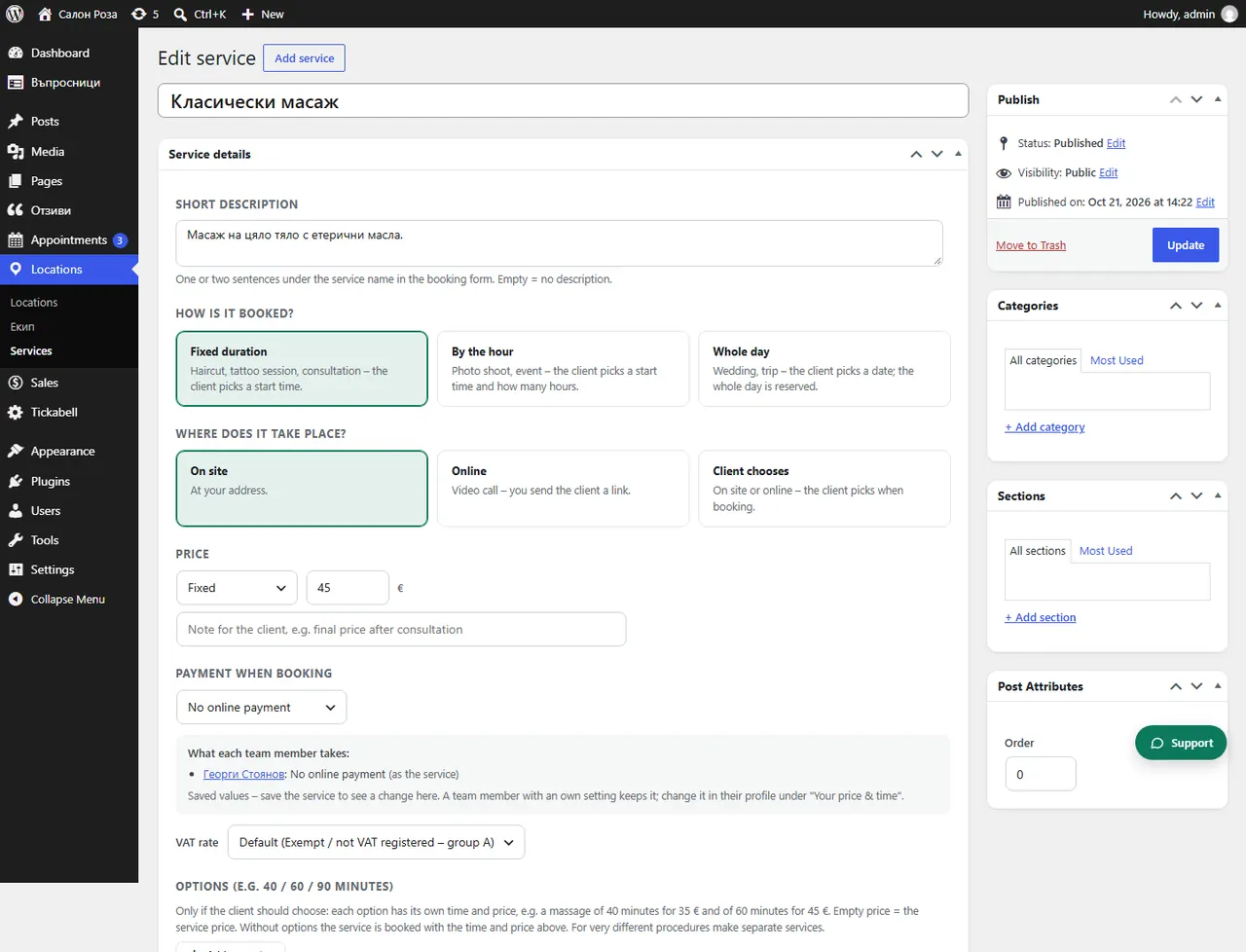
In the service, in the “Team” part, tick the people who offer it. In the form the client sees only them.
Where: Locations›Services›(service)›Service details›Team
Steps
- Open the service in Locations › Services.
- At the bottom, under “Team”, tick the people.
- Save.
Good to knowYou can do the same from the person's profile, under “Services & prices”.
Related articles
- How do I give a team member their own price or duration?
- A team member or a service does not show in the form
Was this article helpful?